
Invitation Email Is Blocked, Failed or Unsubscribed
The invitation list combines the invitee's RSVP with the most useful delivery state. Check the status and its explanation before resending.
Before you start
You need:
- owner, admin or editor access to the event;
- the event's Invitations page;
- the recipient's correct email address.
Check and fix the delivery state
Read the status badge
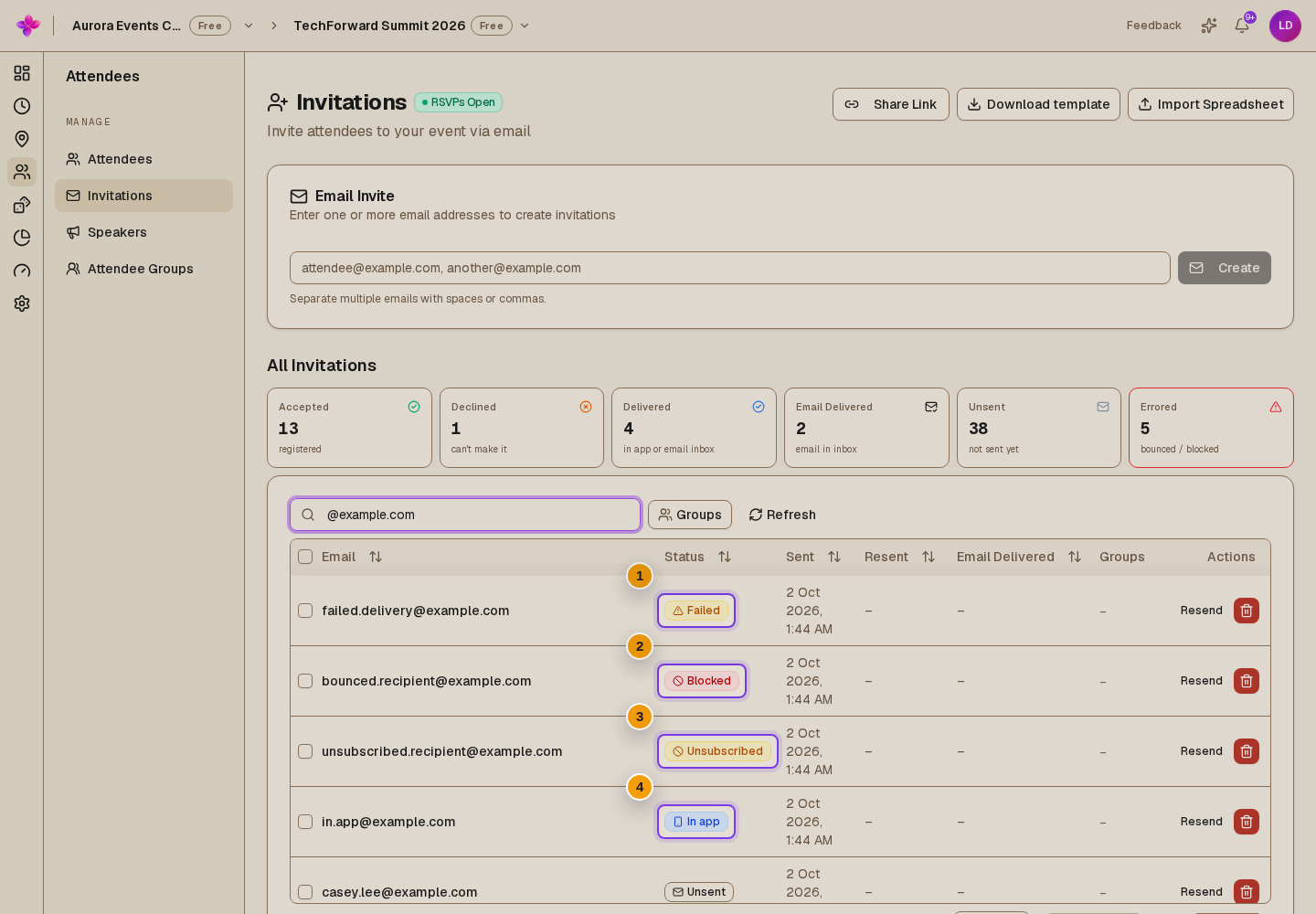
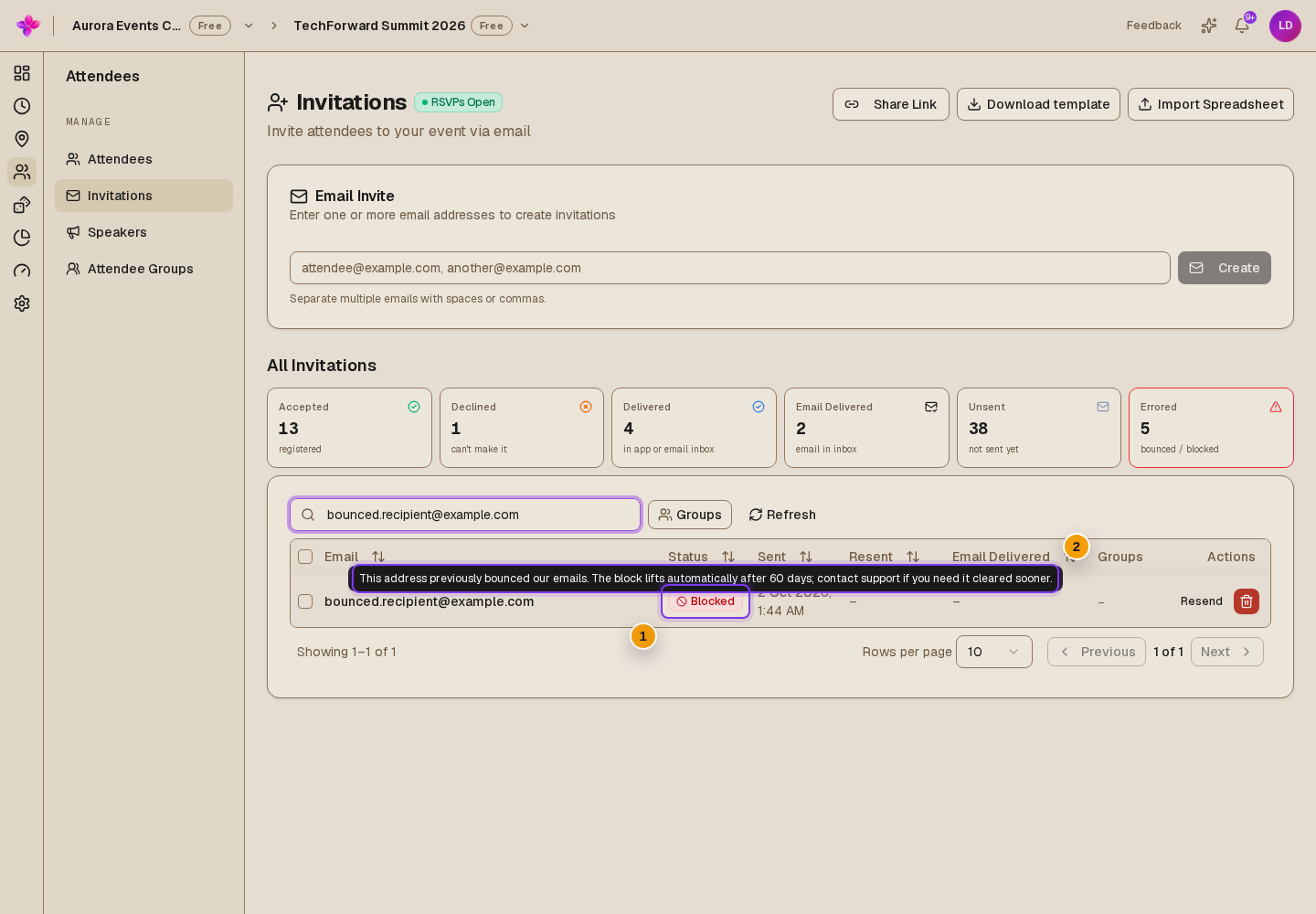
Find the recipient on Invitations. Read the status badge and open its explanation.
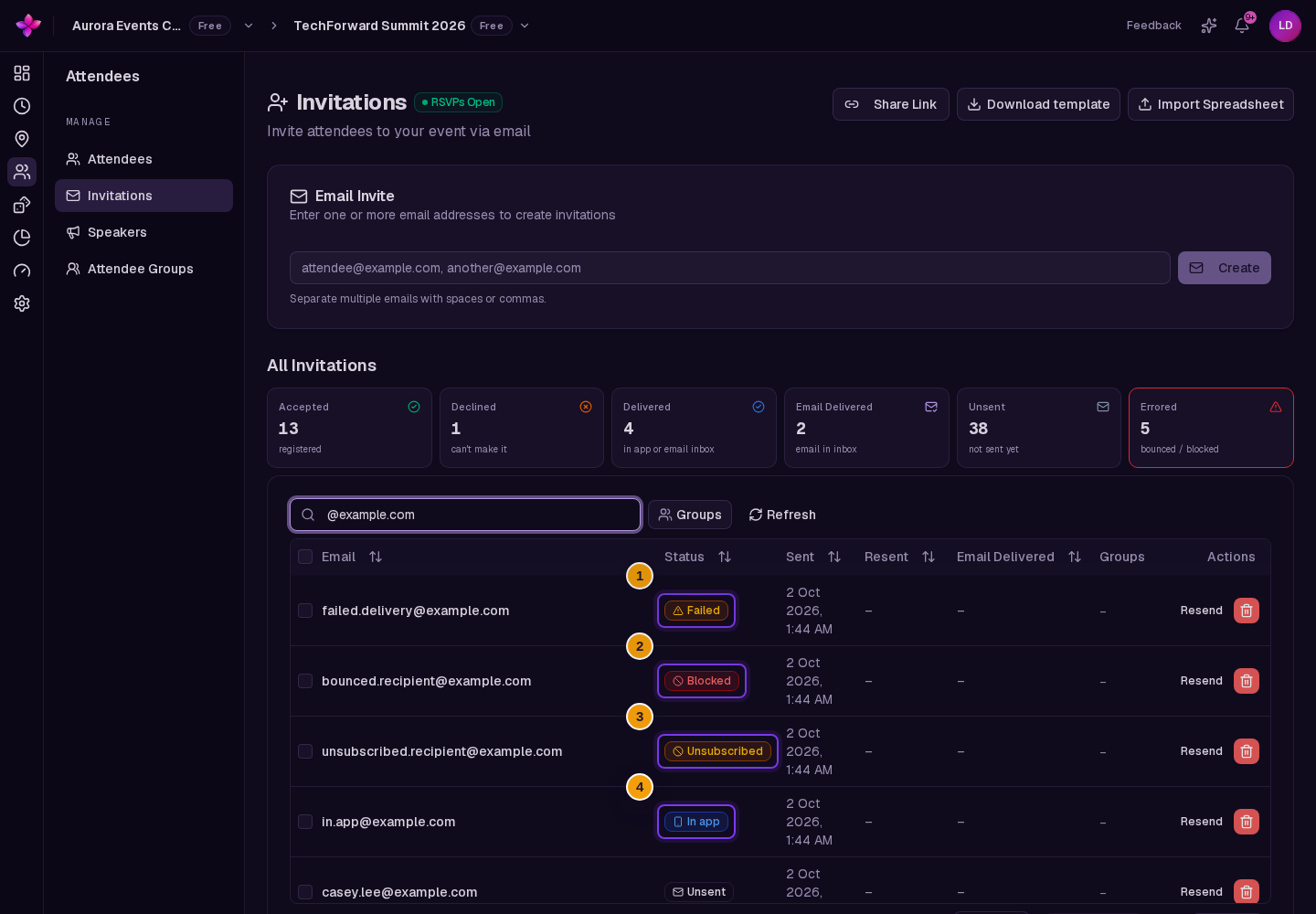
The delivery states include Unsent, Sending..., Delivered, Failed, Blocked, Unsubscribed and In app. Accepted or Declined replaces the delivery state after the invitee responds.
Correct a failed address before resending
For Failed, check the address for a typing mistake. Choose Resend after correcting the problem. If the same address fails again, contact the recipient another way and ask for a different address.
Do not resend a blocked address
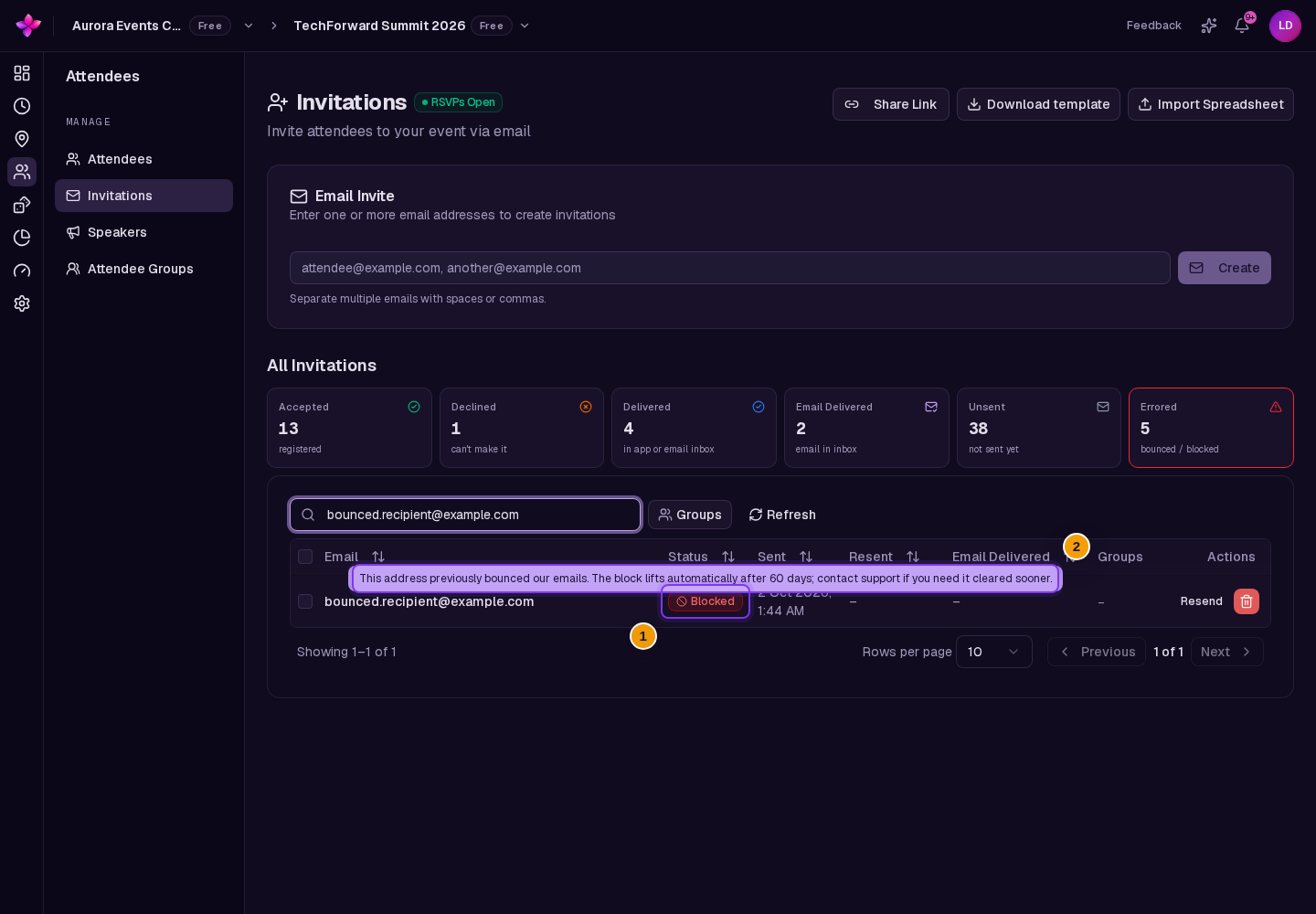
Blocked means the address previously bounced or reported an email as spam. Lylac stops Send and Resend for that address.
A bounce block lifts automatically after 60 days. A spam complaint does not. Contact Lylac Support if you believe a block is wrong.
Respect an unsubscribe
Unsubscribed means the recipient paused all Lylac event invitations or stopped emails from this organiser. Lylac stops Send and Resend until the recipient turns those emails back on.
Ask the recipient to use their email preferences or the resubscribe option on their unsubscribe page. Organisers cannot override this choice.
Check organisation and daily sending limits
If a batch sends to only some recipients, read the warning shown after the send. A daily email cap resets at midnight UTC.
If every invitation is blocked because organisation broadcast sending is paused, follow Organisation email sending is paused.
What the delivery states mean
Sending... stays visible. The email is queued, being processed or waiting for delivery confirmation. Refresh the invitation list later. Contact support if it does not change.
Delivered, but the recipient cannot find it. Lylac confirmed delivery to the recipient's mail server. Ask them to check spam, quarantine and inbox rules.
In app. The email did not get through, but the recipient has a Lylac account and can see the invitation in the app. The status is not an email delivery success.
Blocked. A bounce block lifts after 60 days. A spam complaint requires support review. Use another verified address if the recipient has one.
Unsubscribed. Contact the recipient outside Lylac. They must turn event emails back on before Lylac can email them again.
Failed. Check the address, then resend once. If it fails again, use another address.
Next steps
- Review RSVP and email statuses for every invitation status.
- Follow Send and monitor invitation emails for the sending workflow.
- Share Manage email preferences with a signed-in recipient who wants to resume event emails.