
Manage Your Invitations
Use the Invitations tab in Attending to review invitations sent to your Lylac account or sign-in email address.
Before you start
You need:
- a Lylac account using the email address that received the invitation;
- an invitation that the organiser has sent;
- an available response window if you want to accept or change an earlier response.
Respond to an invitation
Open Invitations
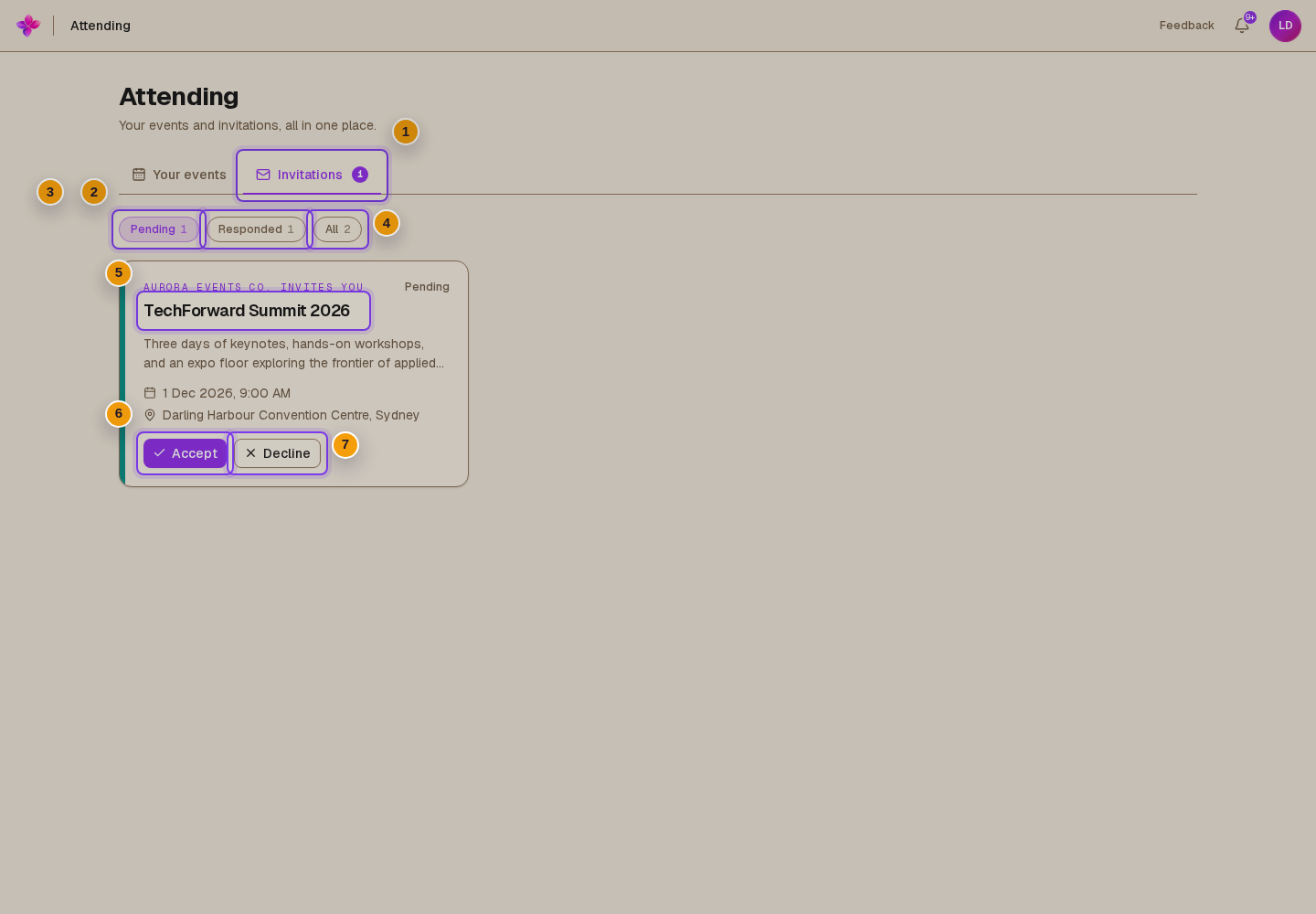
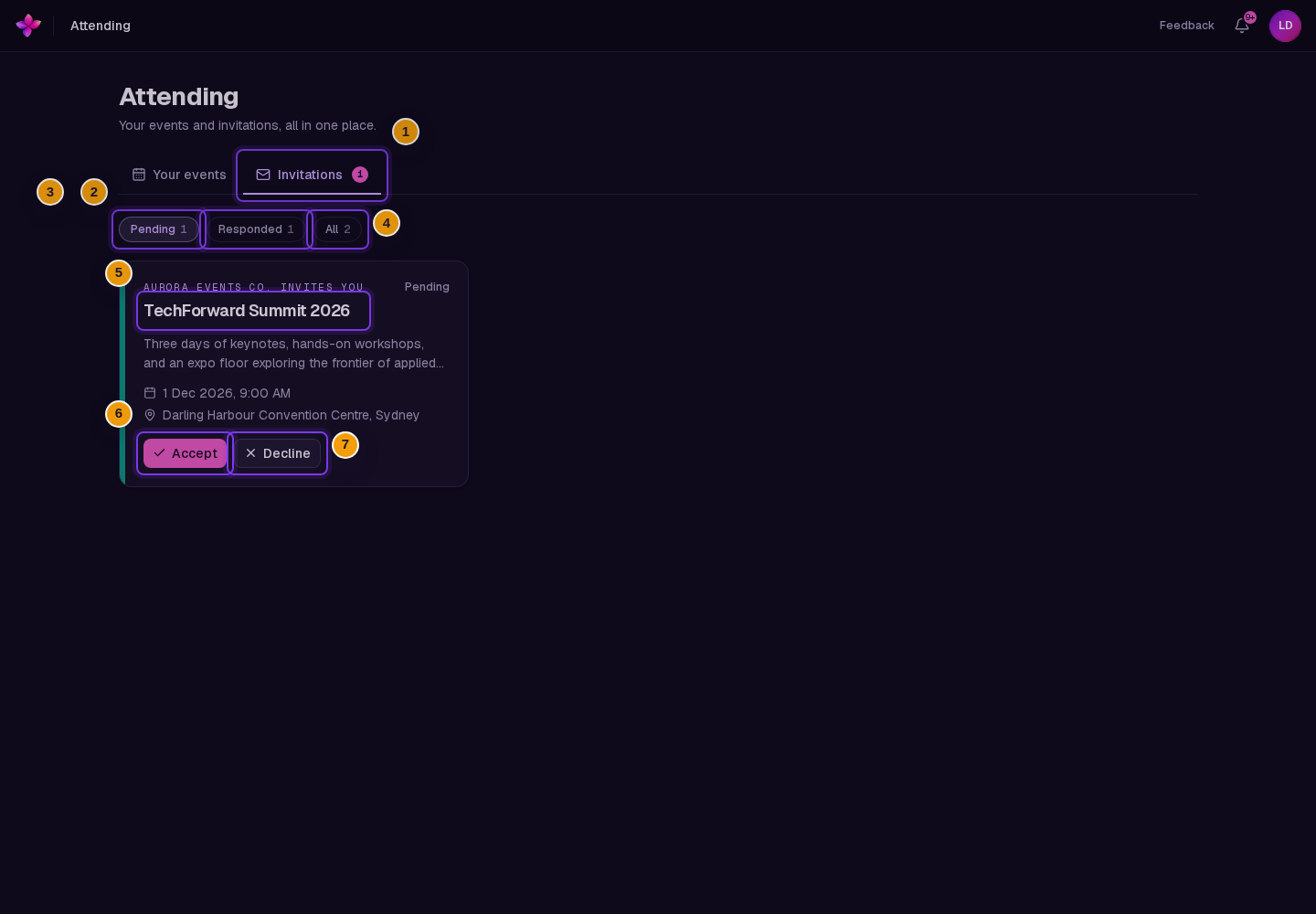
Open Attending, then choose Invitations.
Filter the list
Choose Pending, Responded, or All. Pending shows invitations that do not yet have an answer. Responded shows accepted and declined invitations that remain visible.
Review the event
Each invitation card can show the organiser, event name, description, date and time, location, and response status.
Accept or decline
Choose Accept to attend, or Decline if you cannot attend.
If the event is full, Lylac explains that accepting will place you on the waitlist. The accept button changes to Join the waitlist.
Change your response when available
For an accepted invitation, choose I can no longer attend. For a declined invitation, choose Actually, I'll come. These options only appear while the event still accepts that change.
Invitation statuses
- Pending means you have not responded.
- Attending means you accepted the invitation. If the event was full, your event card may show Waitlisted until a place becomes available.
- Declined means you said you cannot attend. You can accept later only while that option remains available.
- RSVPs closed means the response window has ended. Contact the organisers if you still want to attend.
- Attended appears for an accepted invitation after the event is completed.
- Event cancelled means the organiser cancelled the event.
If the event is full, accepting puts you on the waitlist rather than giving you a confirmed place. You cannot open the event until a place becomes available.
If something goes wrong
The invitation is not listed. Make sure you are signed in with the email address that received it. The organiser must also send the invitation before it appears.
The card says RSVPs closed. The response window has ended. Contact the organisers if you still want to attend.
Accepting or declining fails. Refresh the page and try again. The event or response window may have changed since the page loaded.
Next steps
- Open the event you are attending after your place is confirmed.
- View the timetable and event details when the event opens from Your events.