
Change Event Status
Use Status in Event settings to change an event. The available action depends on its current status.
Before you start
You need owner or admin access to the organisation.
Choose the status action
Open Event settings
Find the Status card and check the current status.
Choose an available action
Use the table below to choose the right action.
Read and confirm
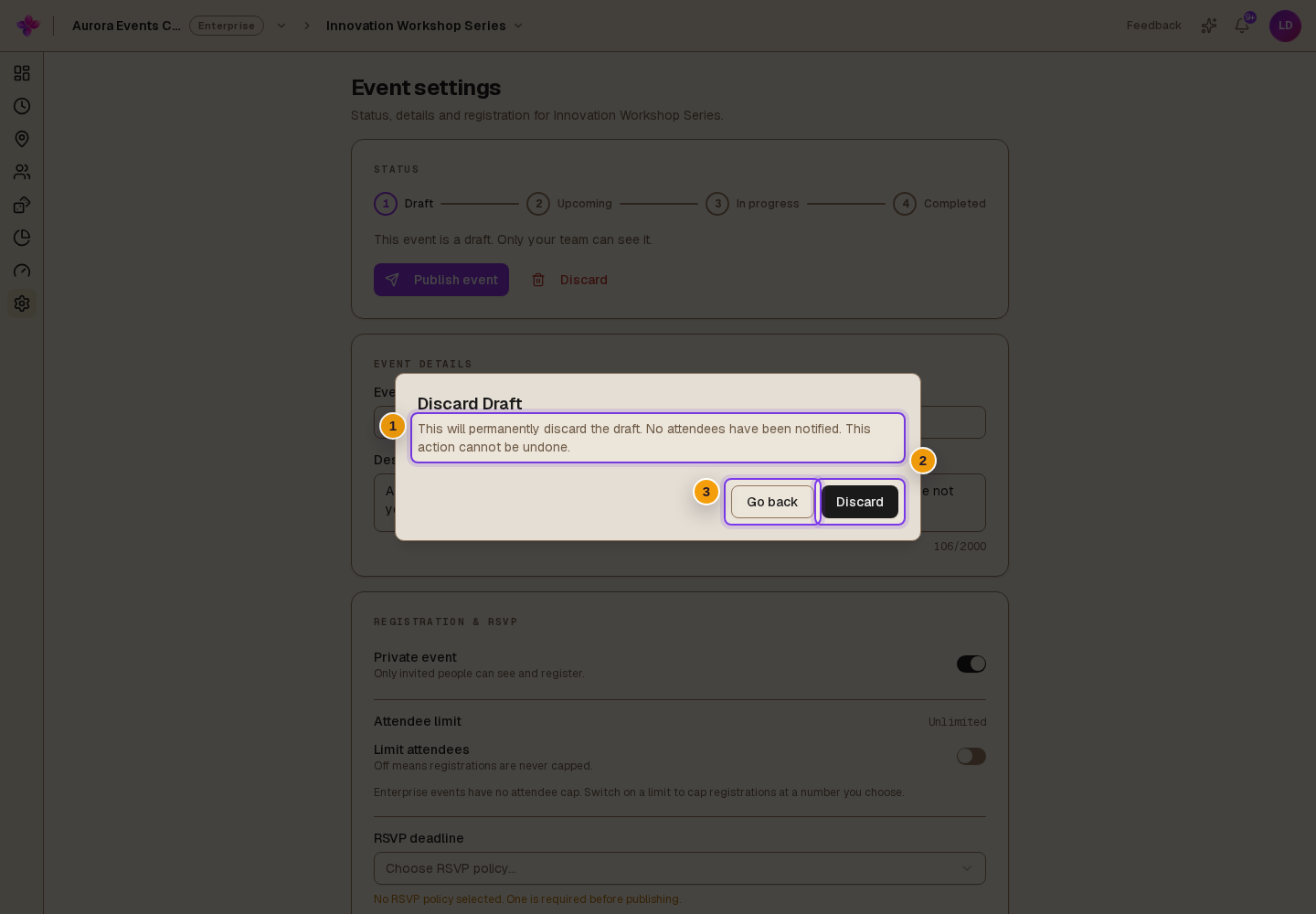
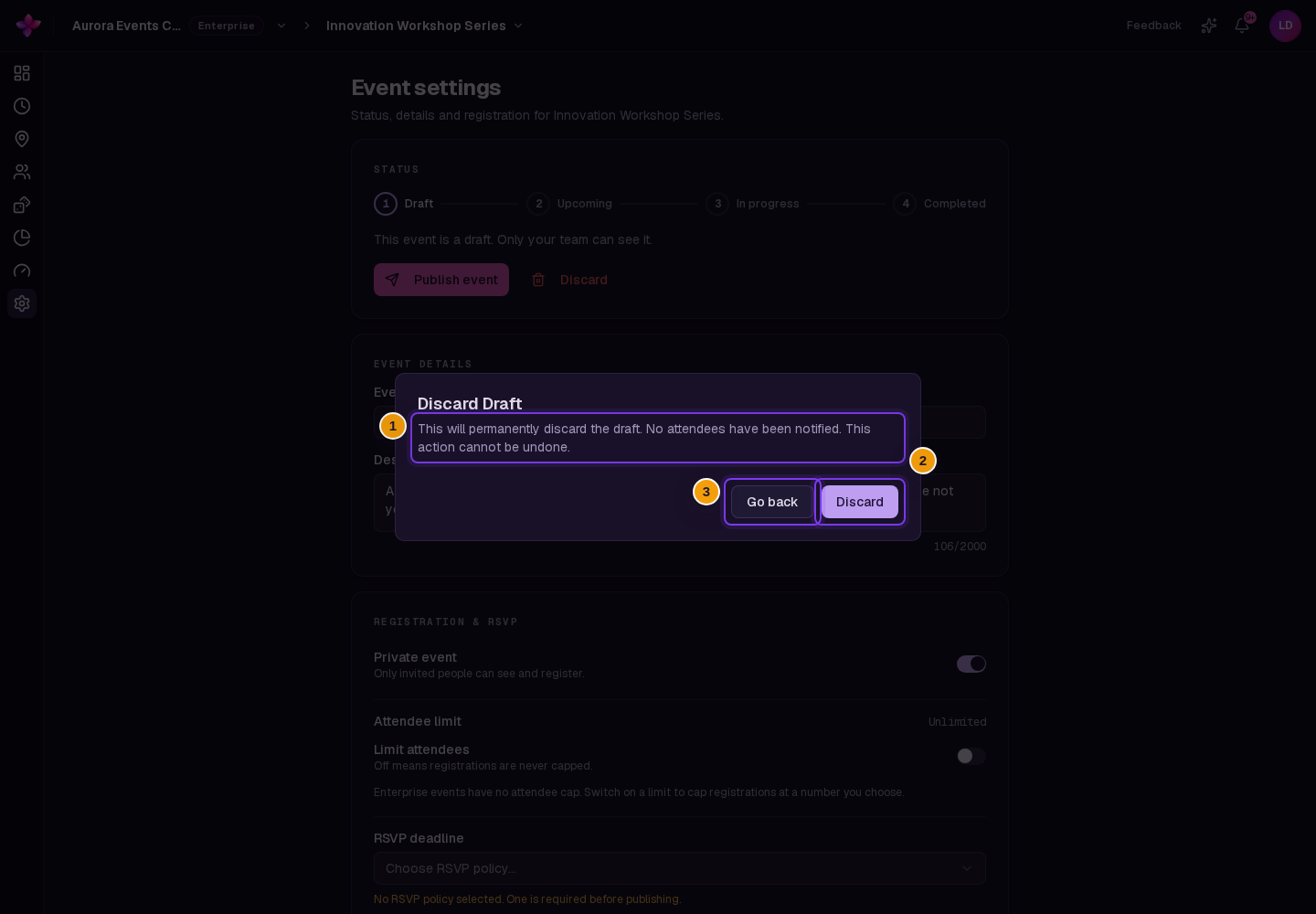
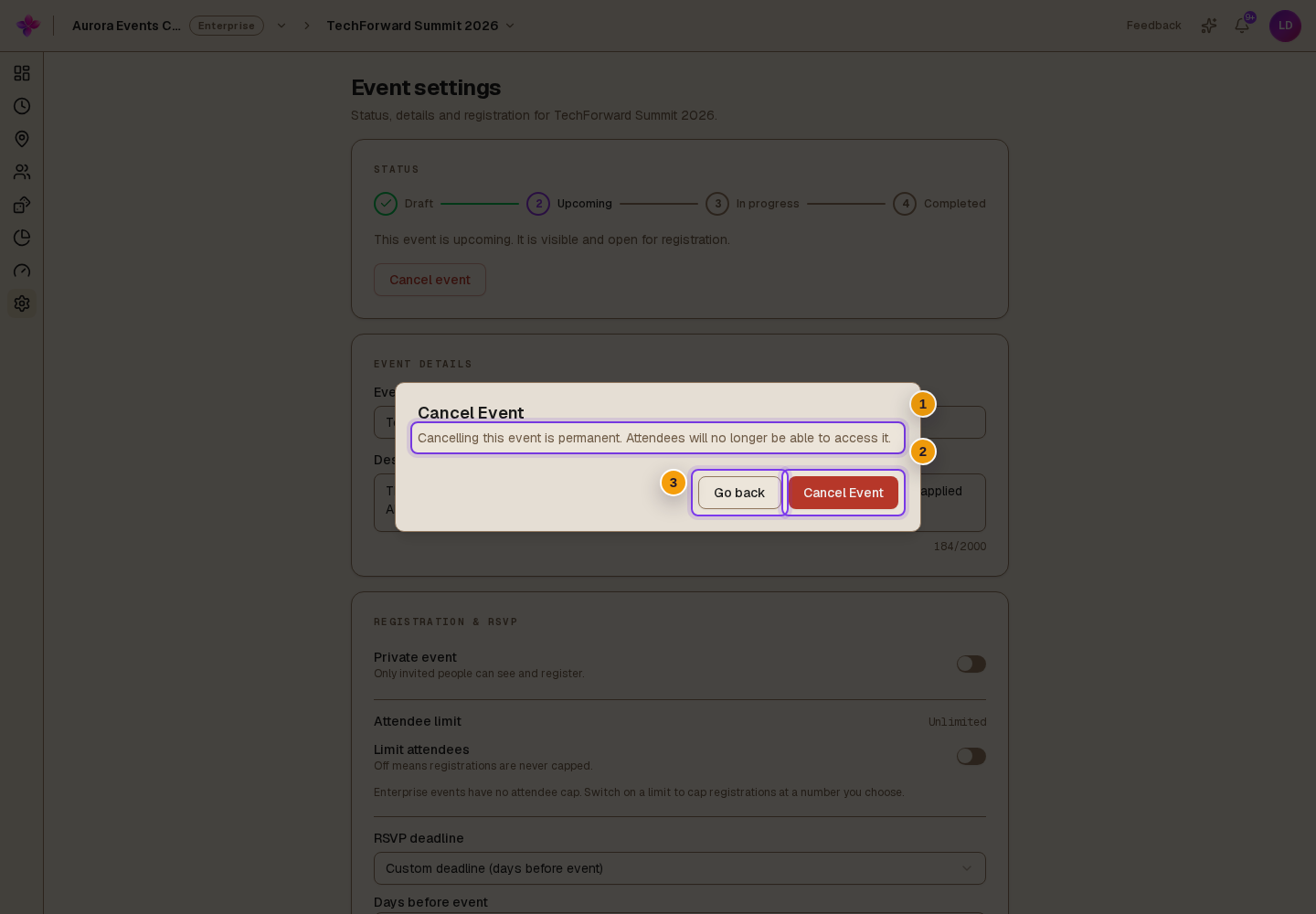
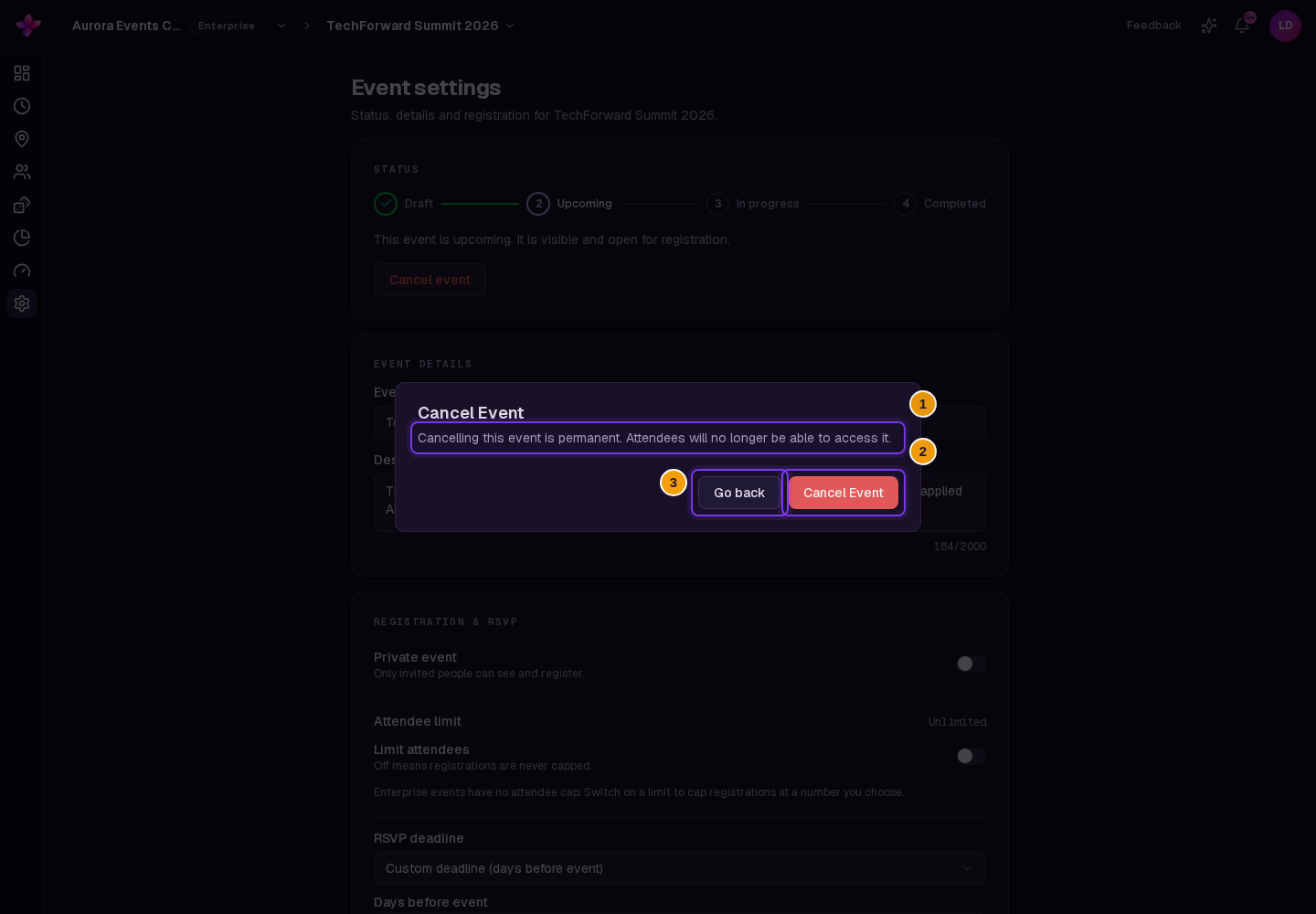
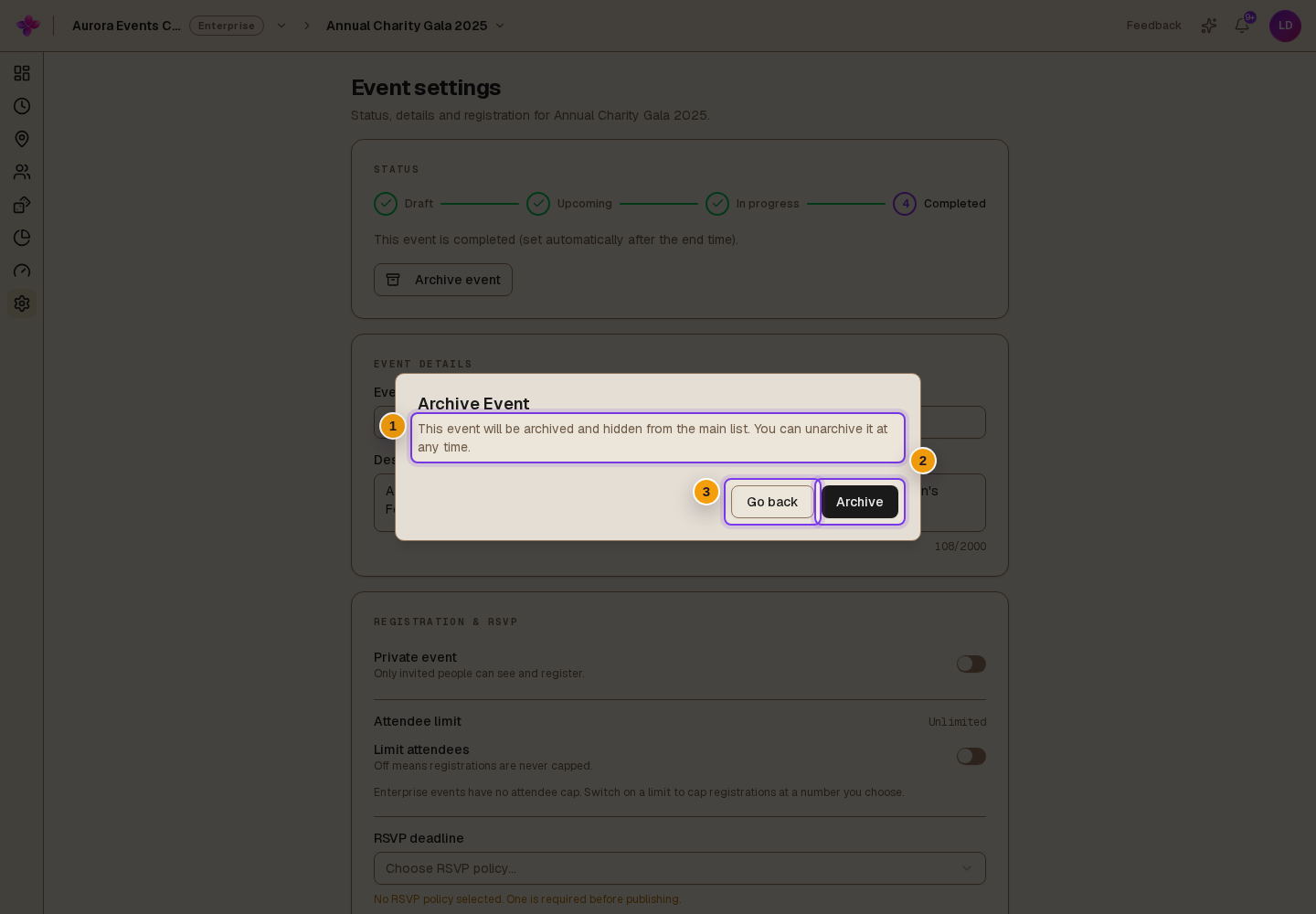
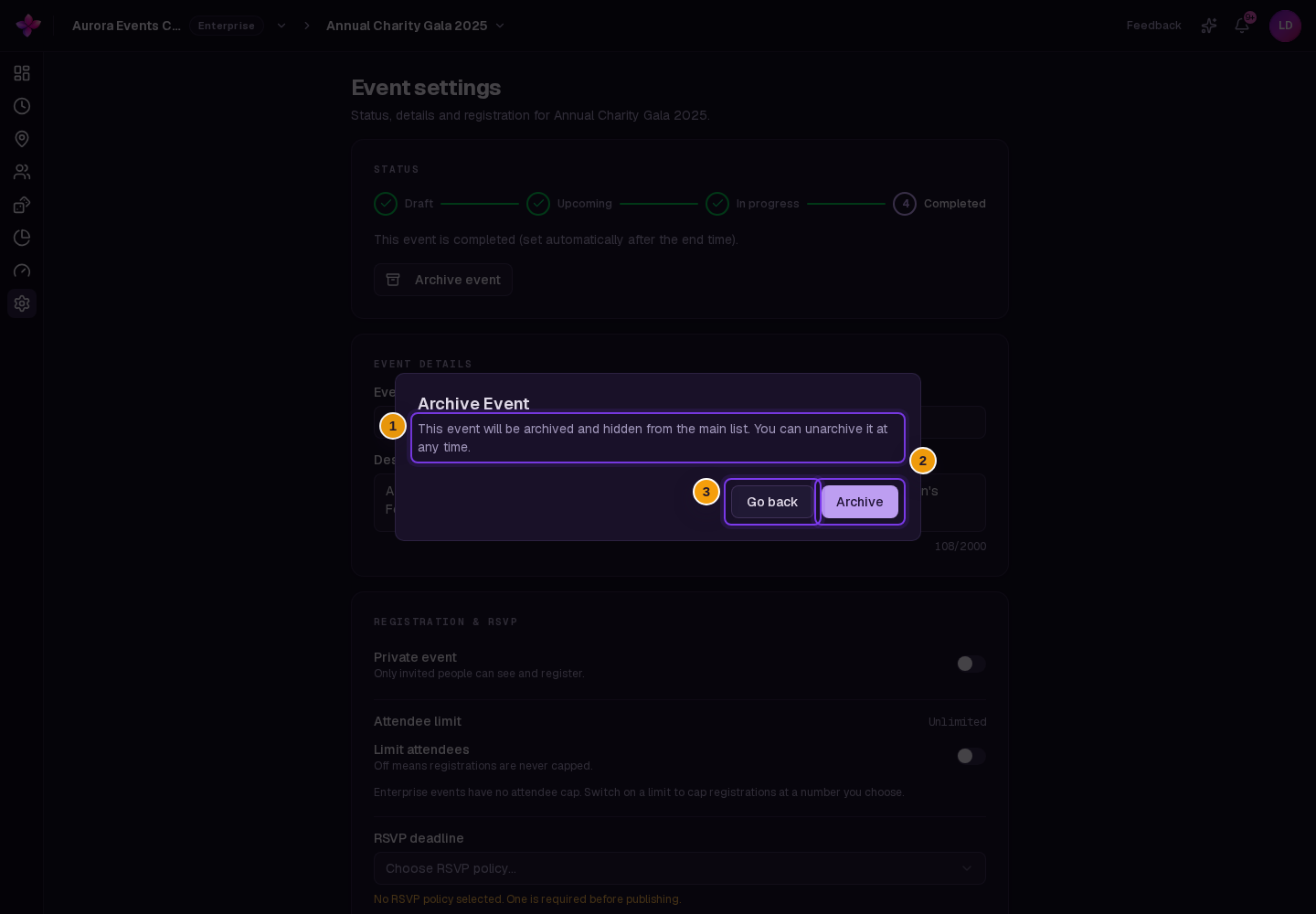
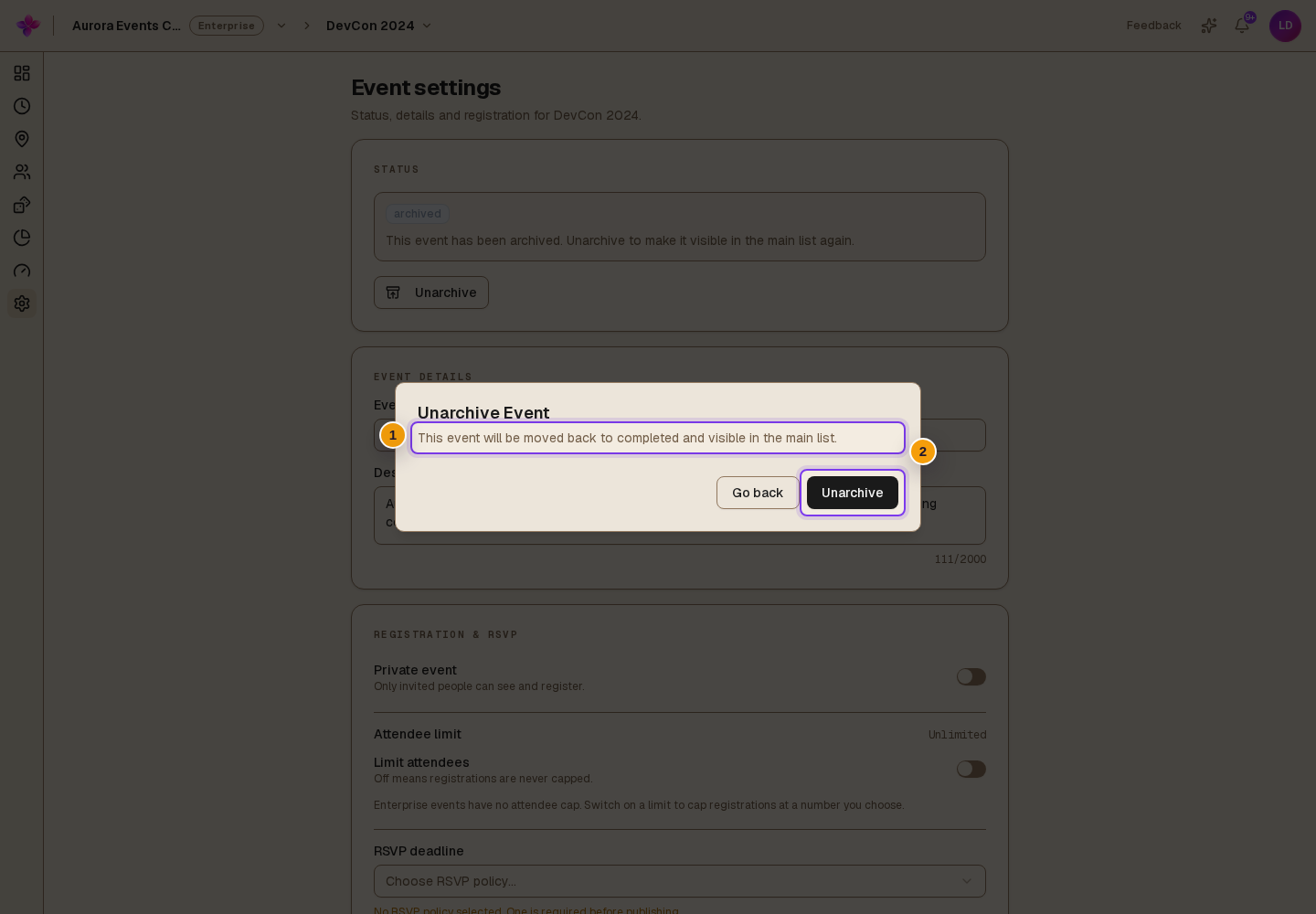
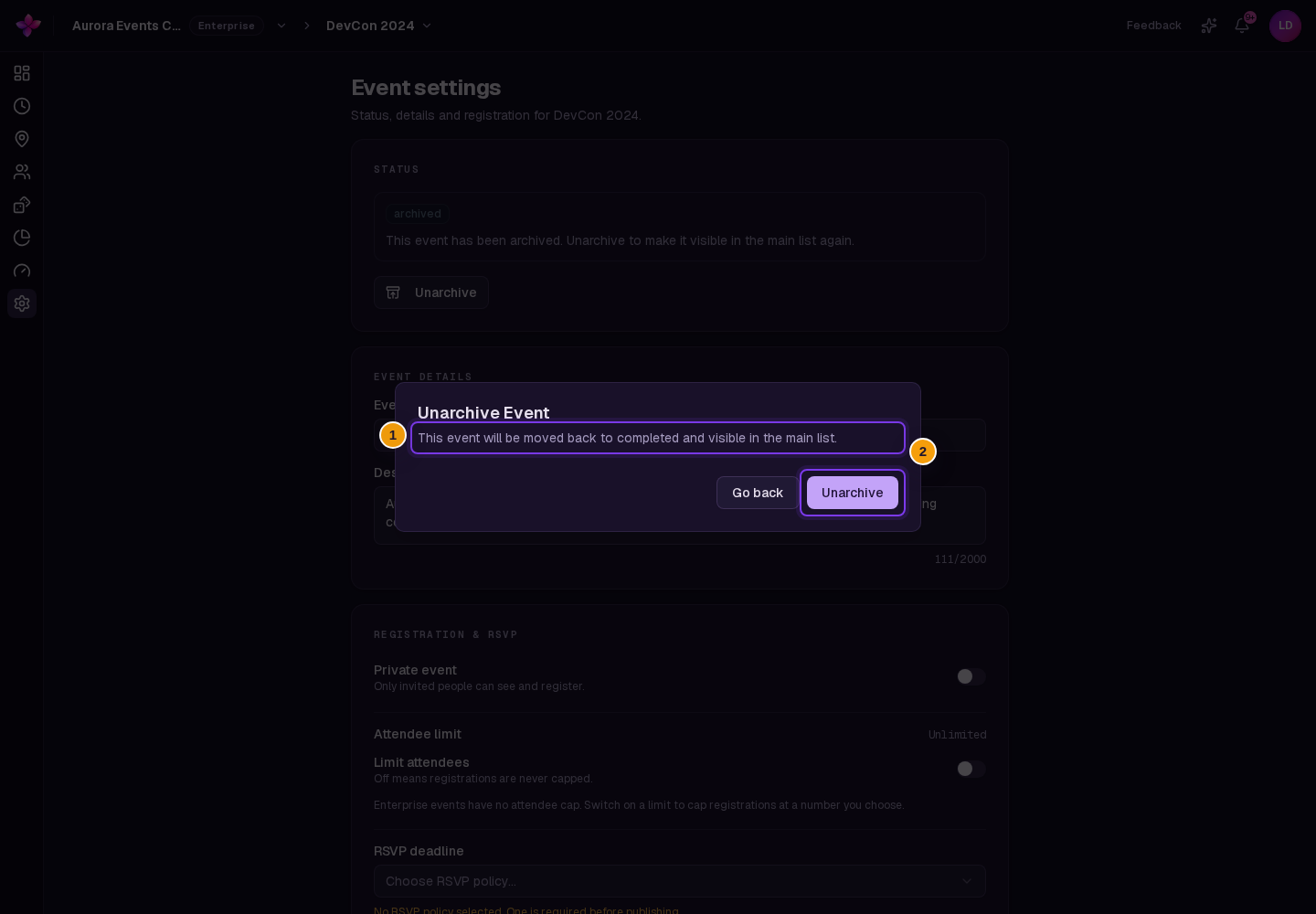
Read the confirmation dialog before continuing. Choose Go back if you want to keep the current status.
| Current status | Action | Result |
|---|---|---|
| Draft | Discard | Permanently discards the draft. There is no restore action. |
| Upcoming or In progress | Cancel event | Permanently cancels the event. Attendees lose access. |
| Completed | Archive event | Archives the event and hides it from the main list. |
| Archived | Unarchive | Returns the event to Completed and makes it visible in the main list. |
Keep the two discard actions separate
Discard in the Unsaved changes bar only resets edited fields. Discard in the Status card opens the permanent draft-discard confirmation.
If something goes wrong
An action is missing. Check the current status. Only the actions listed above are available for that status.
A status change fails. Refresh the event and check its status again. Ask an organisation owner or admin to confirm your access.