
Invitation Link Does Not Work
The Accept Invitation and Decline buttons sign you in and record your response. They share a single-use sign-in link, so use the newest invitation email and choose the response you want.
Before you start
You need:
- the newest invitation email from the organiser;
- access to the email address that received the invitation;
- the email address for your current Lylac account, if you are already signed in.
Fix the invitation link
Open the newest invitation email
Choose Accept Invitation or Decline in the most recent email. A newer send replaces the earlier sign-in link, and each link can only be used once.
Use the invited account
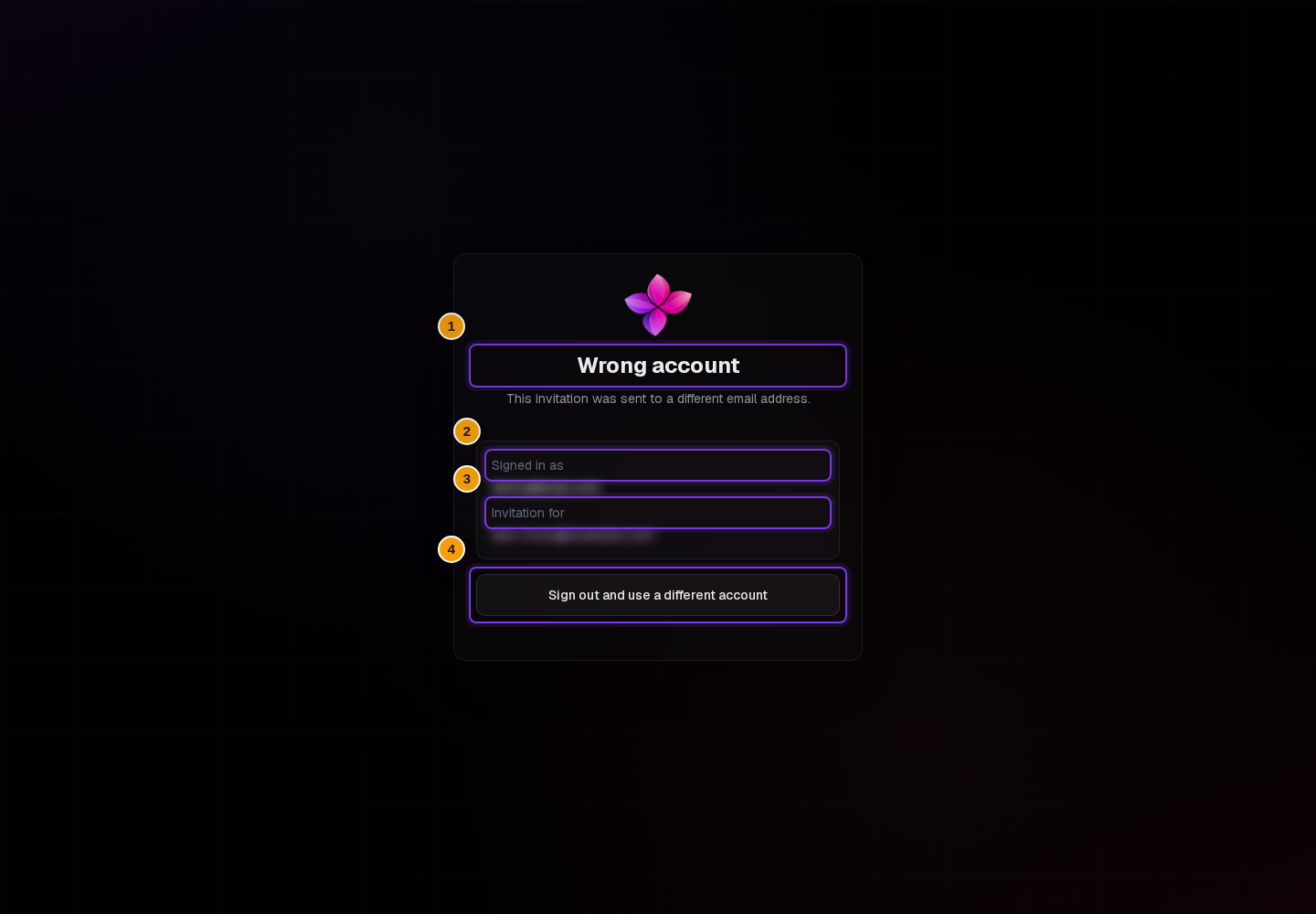
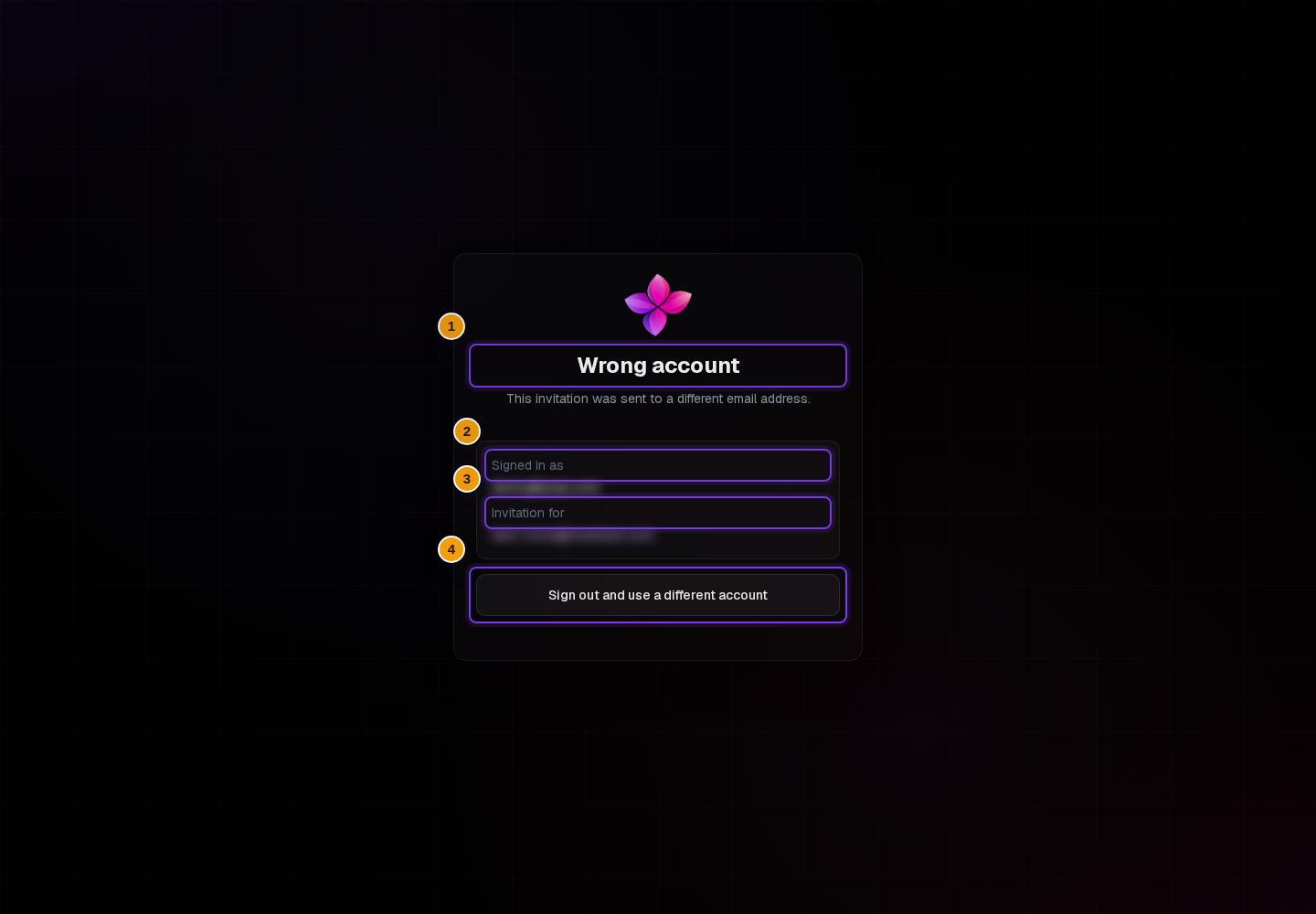
If Lylac shows Wrong account, compare Signed in as with Invitation for. Choose Sign out and use a different account, then sign in with the invited email address.
Request a fresh link when offered
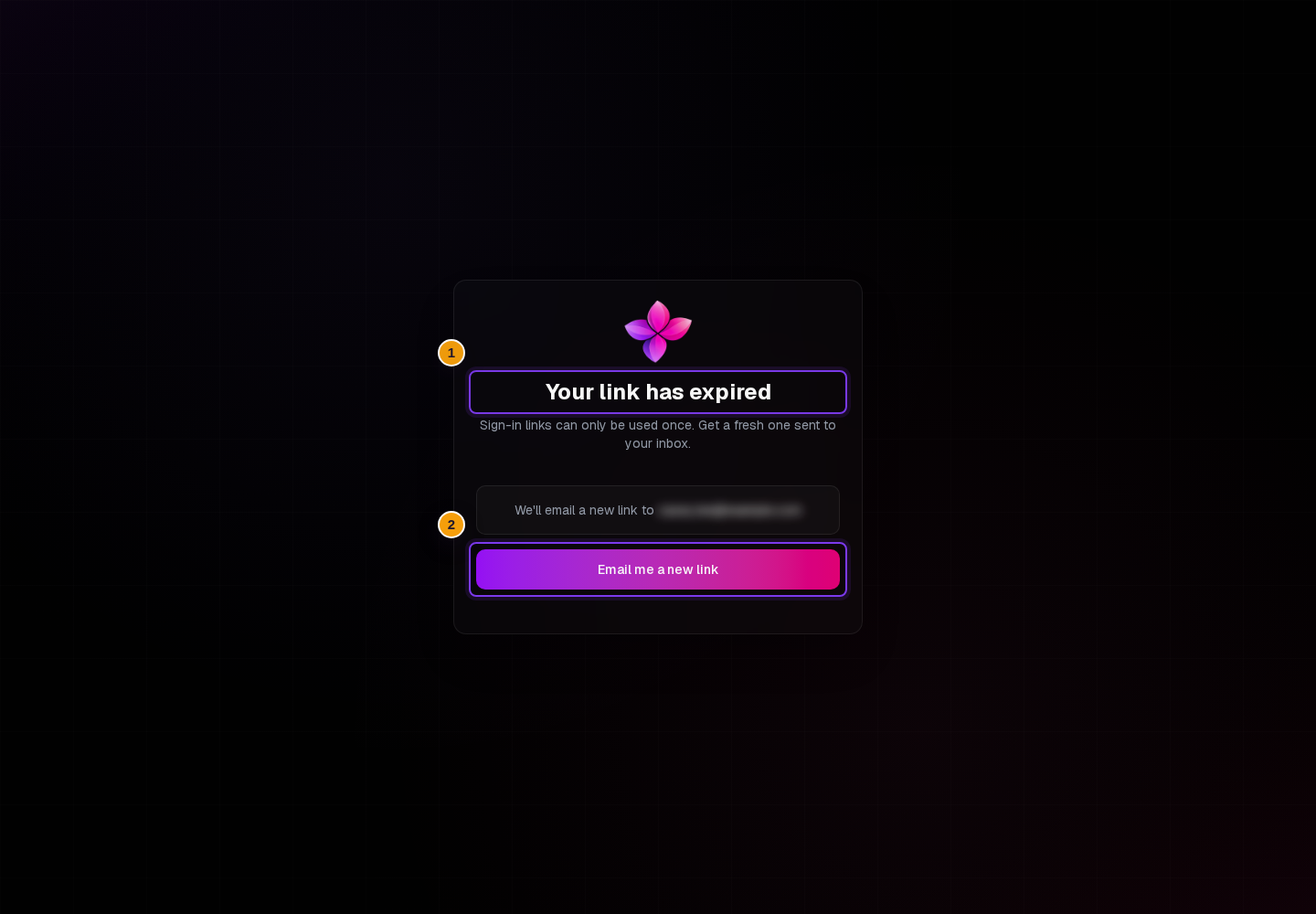
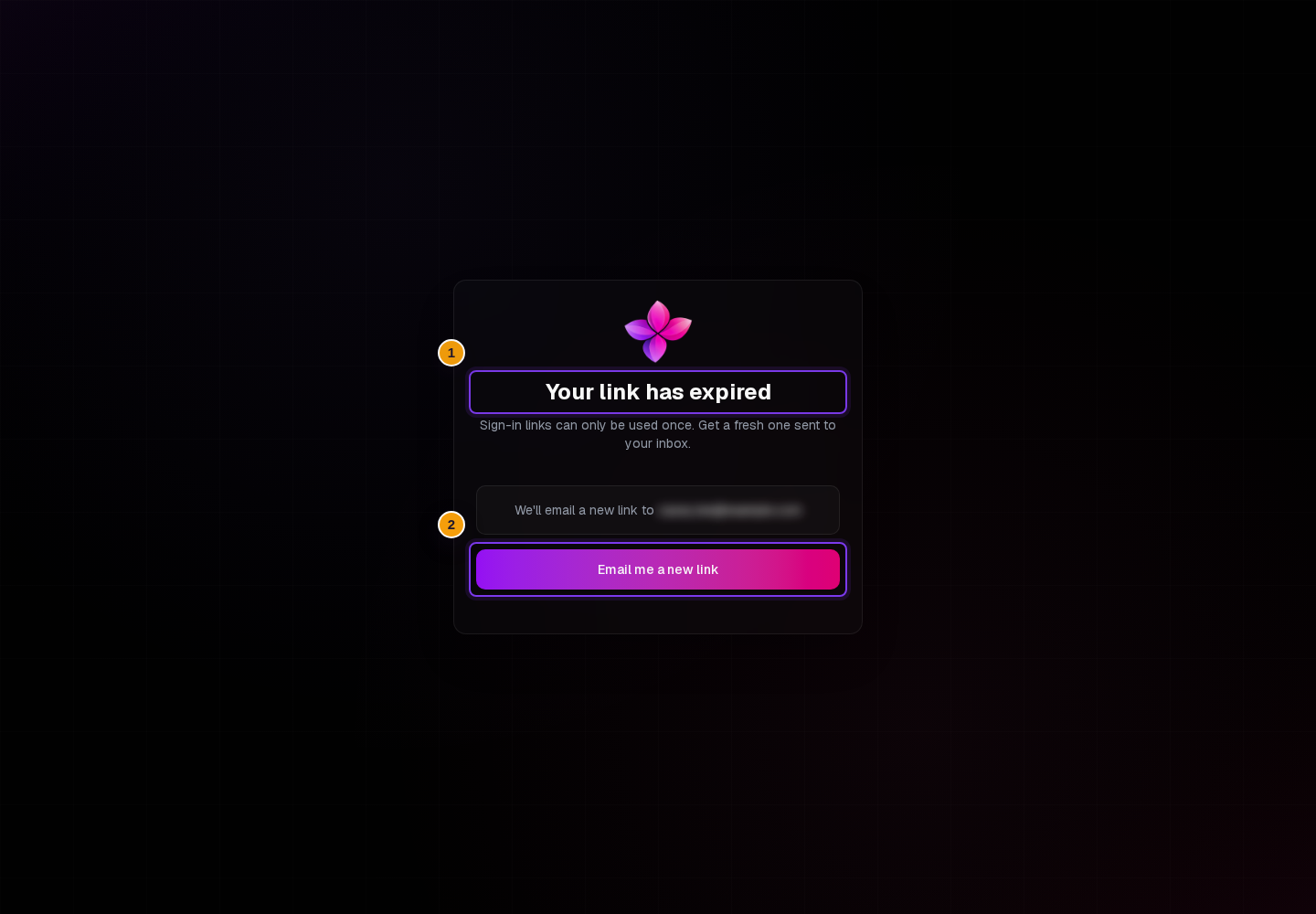
If Lylac shows Your link has expired, choose Email me a new link. Wait for Check your inbox, then open the new email instead of returning to the old one.
Read any RSVP message
If Lylac shows RSVPs are closed after you try to accept, the event is no longer accepting attendance responses. Contact the organiser if you still need to attend.
Ask the organiser to check the invitation
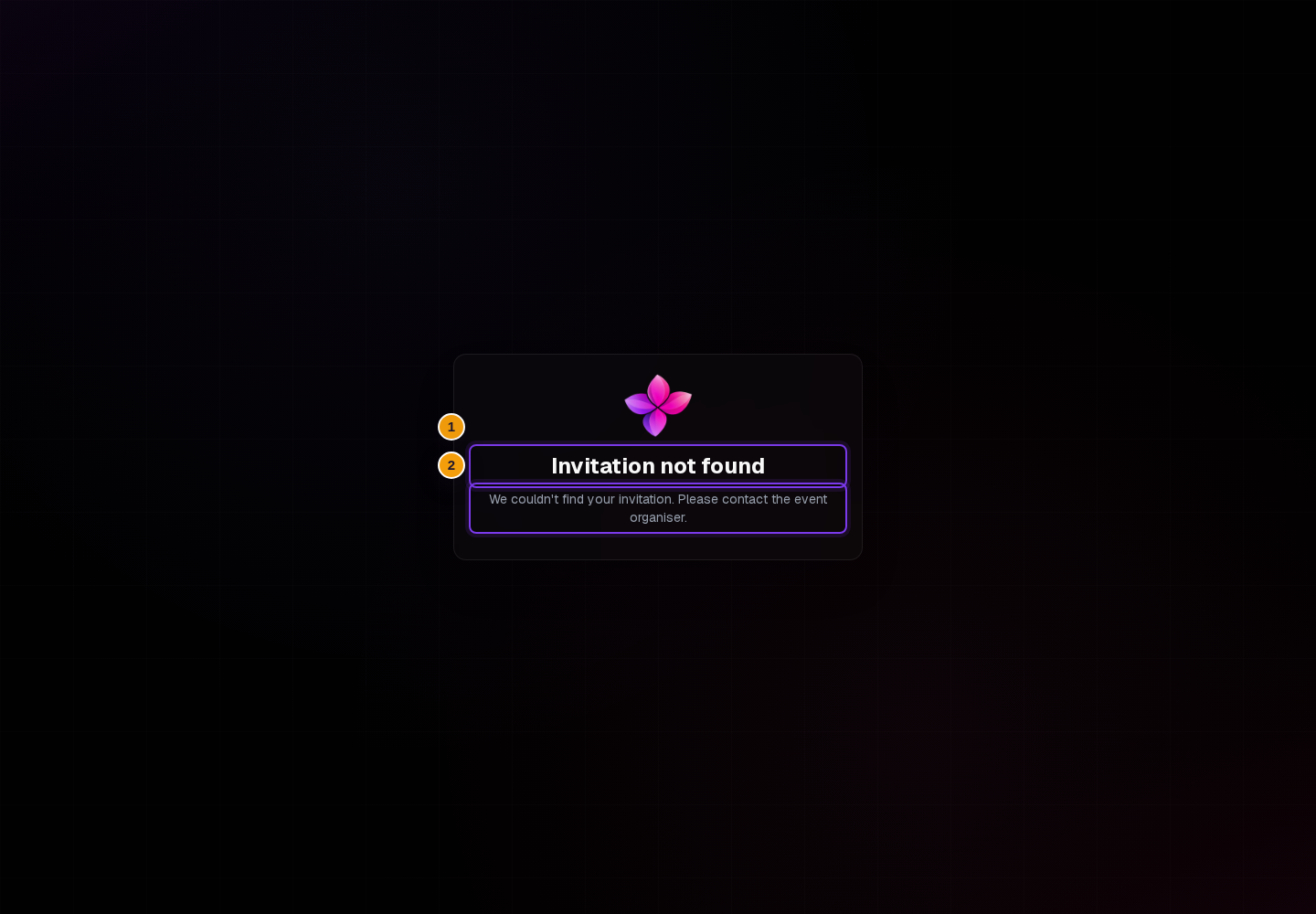
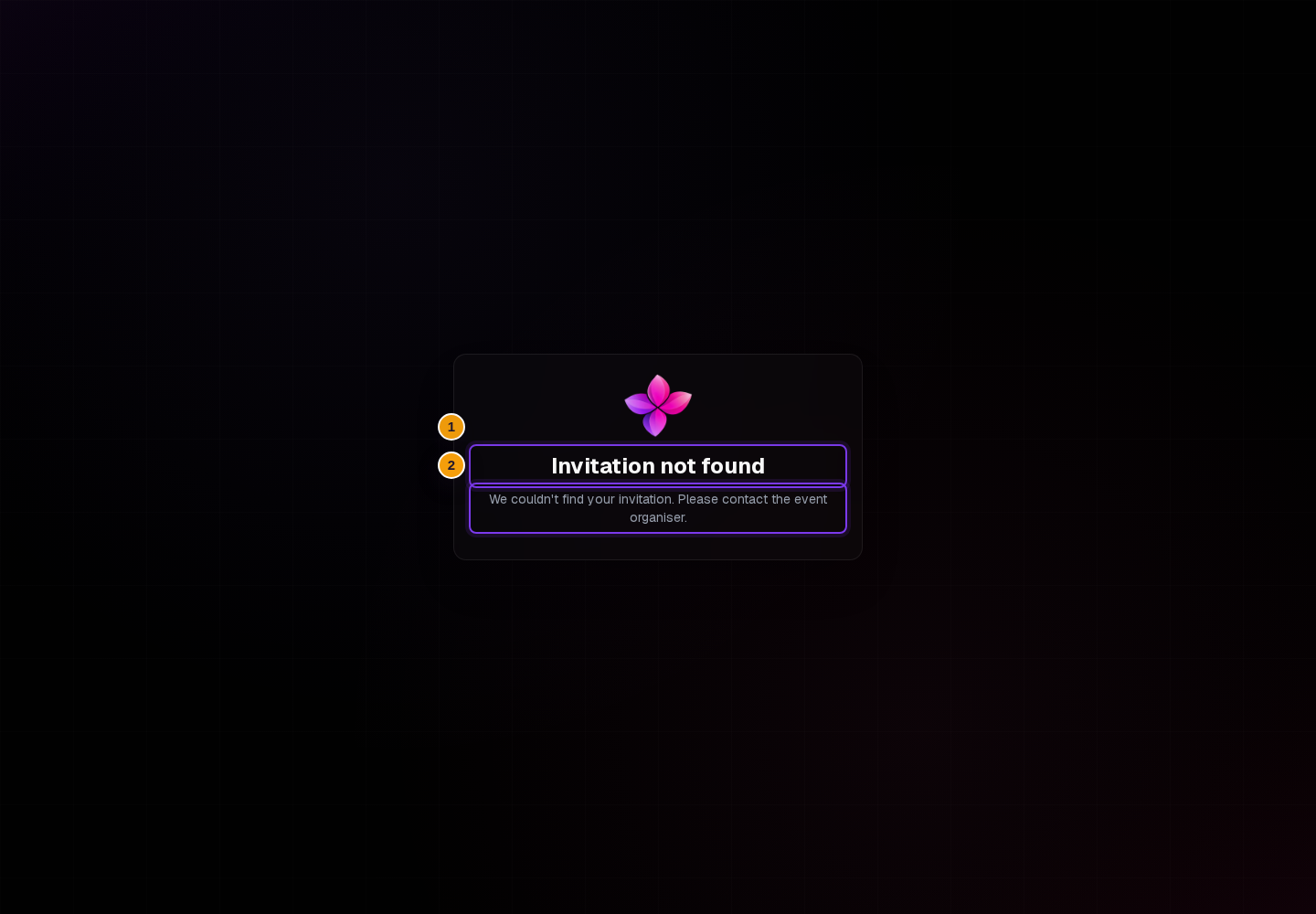
If Lylac shows Invitation not found, ask the organiser to confirm that your address is still on the invitation list. They may need to create and send a new invitation.
What each message means
This link can't be used. Open the most recent invitation email. If that link also fails, ask the organiser to resend the invitation.
Wrong account. The signed-in email does not match the invitation recipient. Sign out and use the invited email address.
Your link has expired. Choose Email me a new link. If Lylac says a link is already on its way, check the invited inbox before trying again.
Invitation not found. The invitation is missing or no longer available. The organiser needs to check the invitation list.
RSVPs are closed. You cannot accept while attendance responses are closed. Contact the organiser if you need help.
If the email never arrives or the organiser sees a delivery problem, use Invitation email is blocked, failed or unsubscribed.
Next steps
- Follow Accept an invitation for the normal invitation flow.
- Use Cannot access an organisation or event if the response succeeds but the event is missing.