
Edit Event Details
Use Event settings to update the details and registration settings for an existing event.
Before you start
You need owner, admin or editor access to the organisation.
Update and save the settings
Open Event settings
Open the event and choose Event settings in the event navigation.
Edit the event details
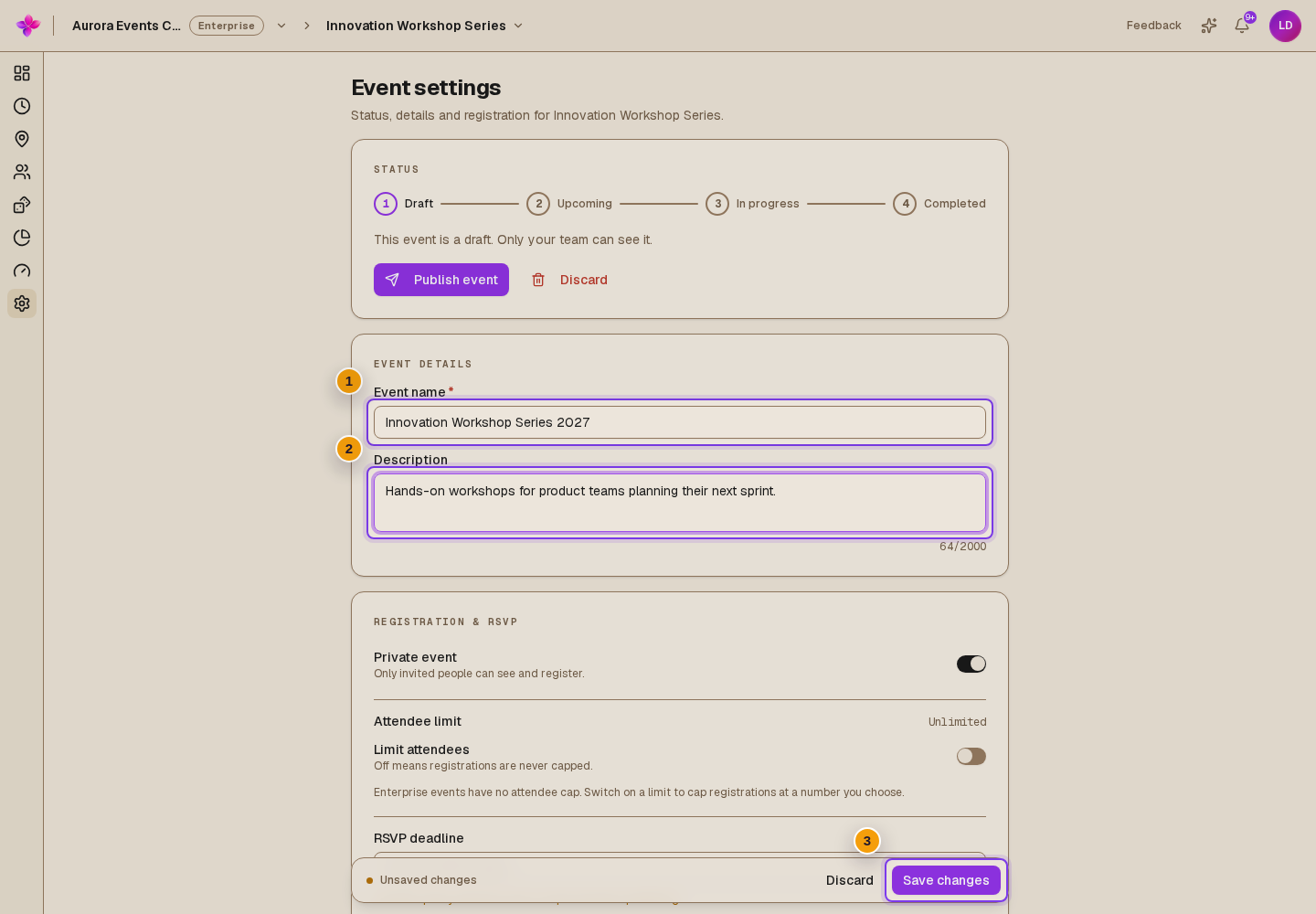
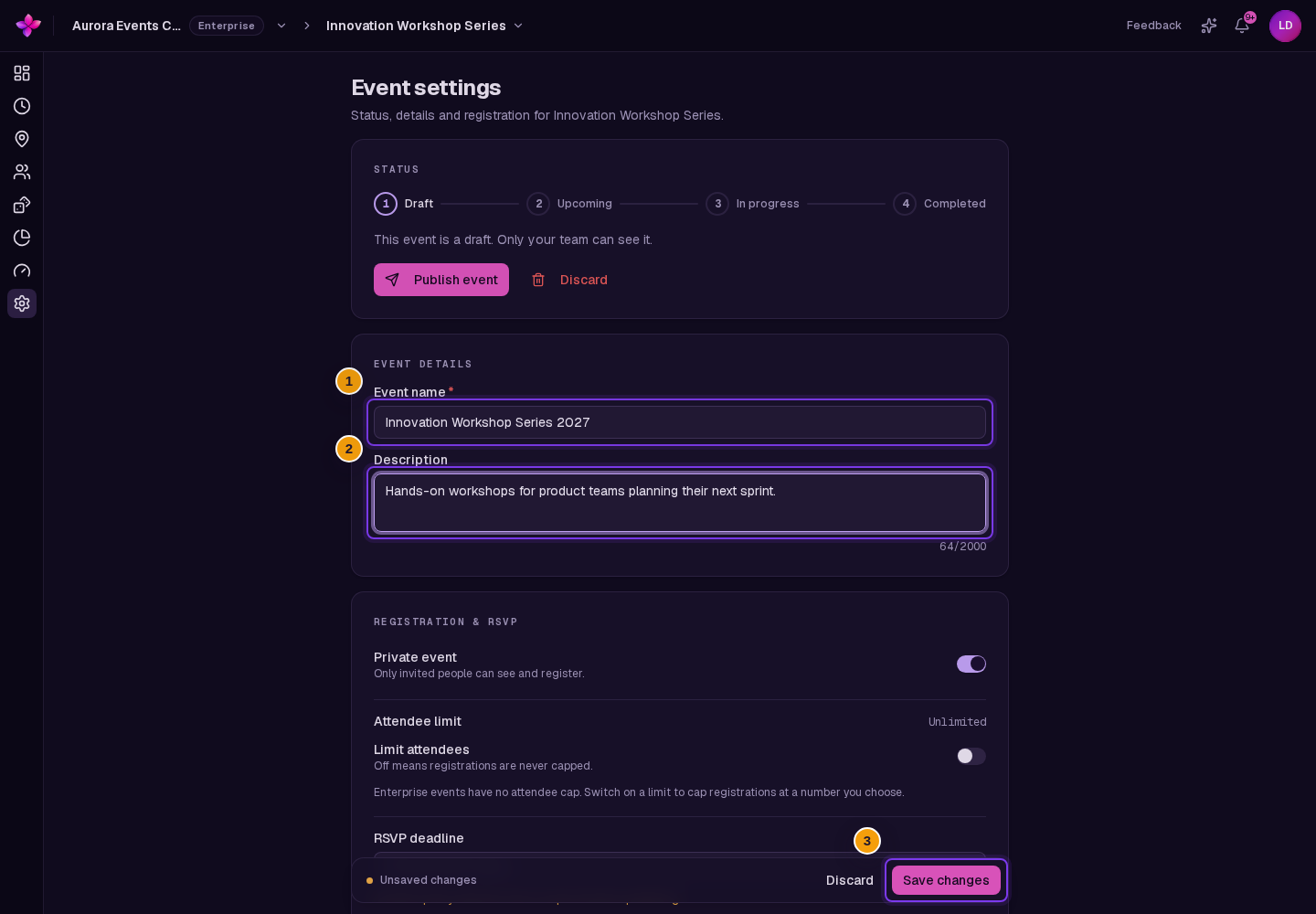
Under Event details, update Event name and Description.
Review registration settings
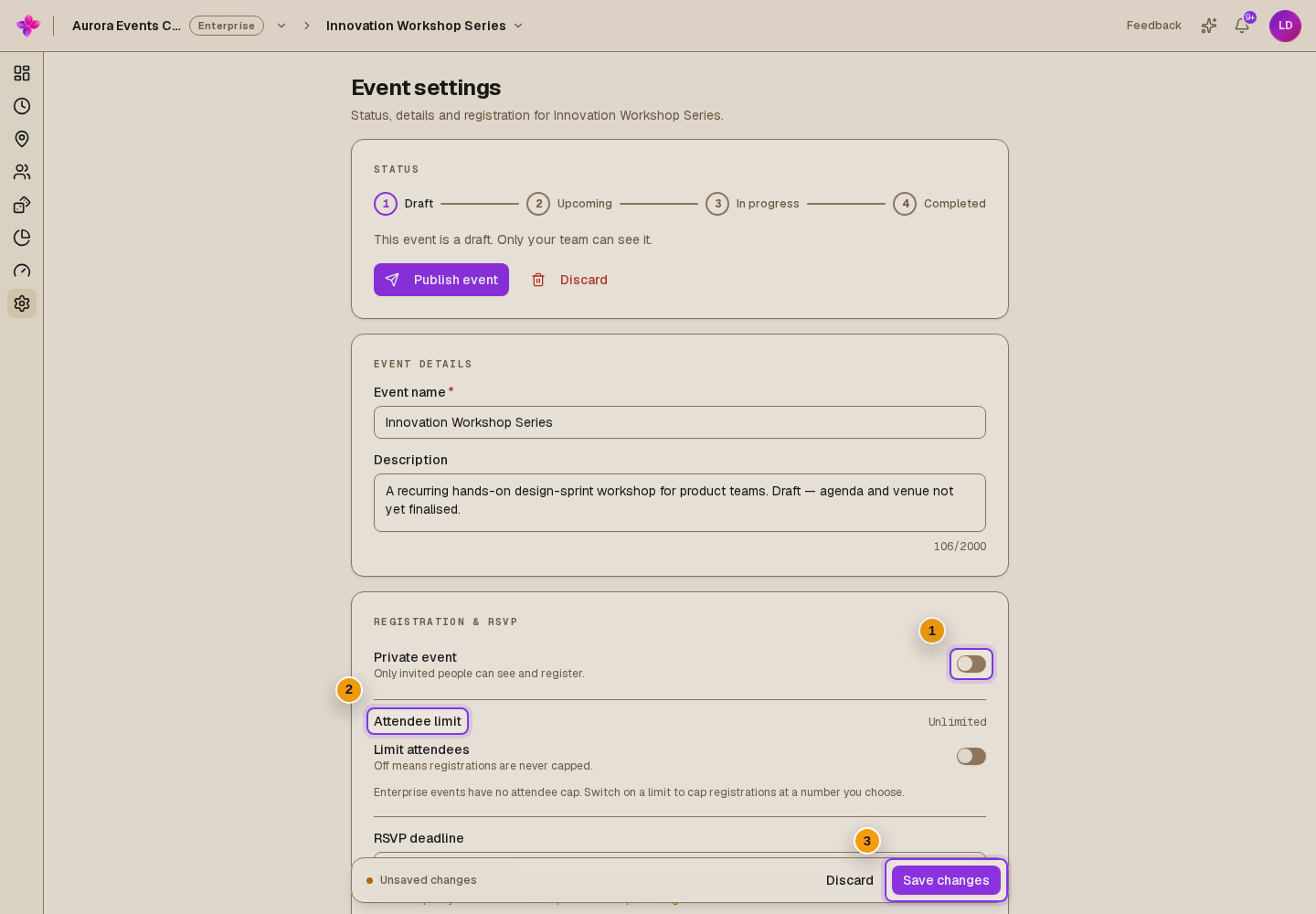
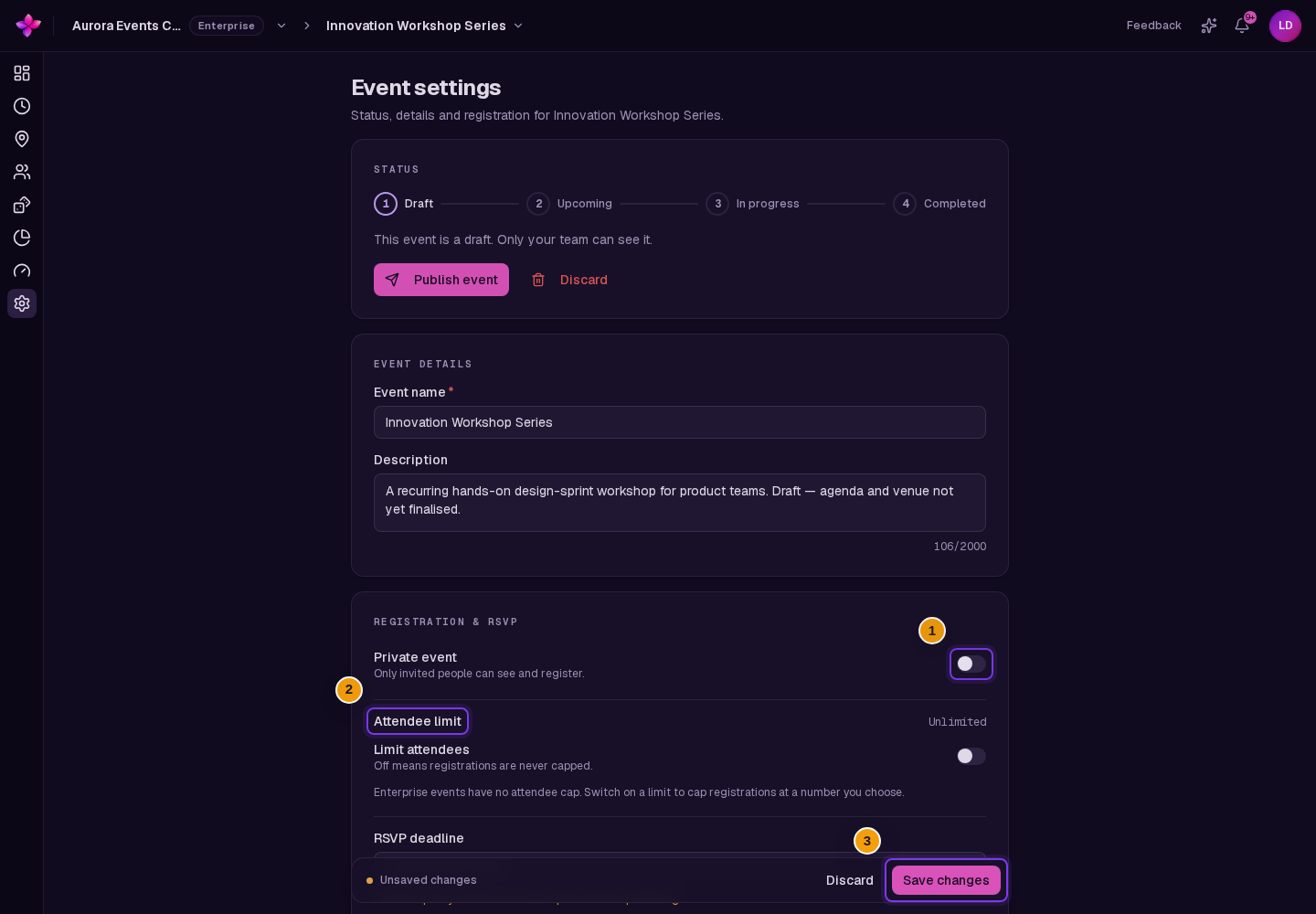
Under Registration & RSVP, change Private event if needed. You can also lower the Attendee limit within your plan allowance. Lowering the limit does not remove people already attending.
Save changes
Choose Save changes in the Unsaved changes bar. This saves the changed details, privacy, attendee limit and RSVP settings together. Discard in this bar restores the saved field values.
If something goes wrong
The save bar is missing. It appears after a setting differs from the saved value.
Saving fails. Read the field message and correct the value. Ask an organisation owner or admin to check your role if the error is about permissions.