
Invite Attendees by Email
Create invitations first, then send them when the list is ready. Creating an invitation does not send an email or make the unsent invitation available for the recipient to answer.
Before you start
You need owner, admin or editor access to the organisation. Have the email addresses ready. Use the address each person will use to sign in.
Create invitations
Open Invitations
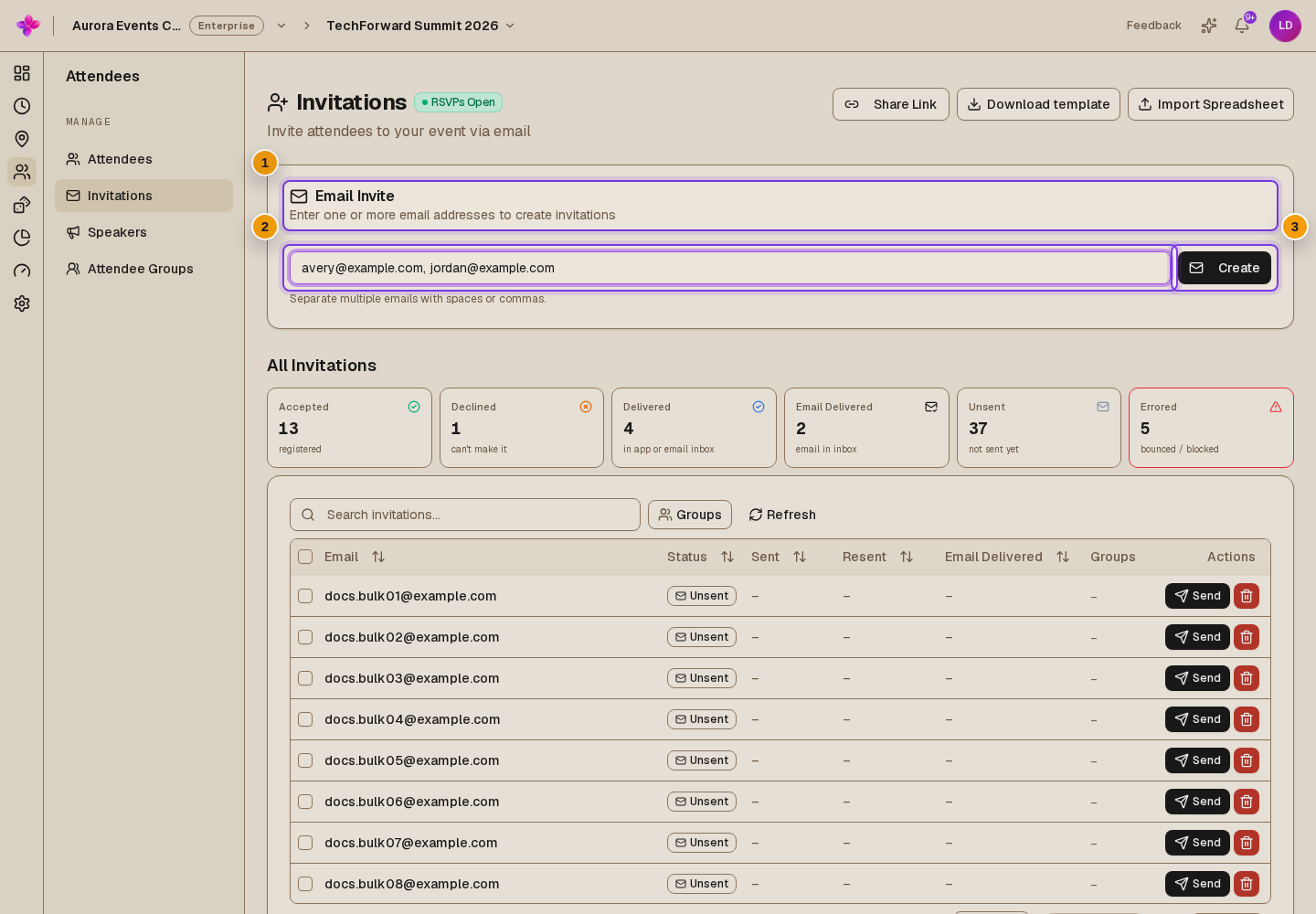
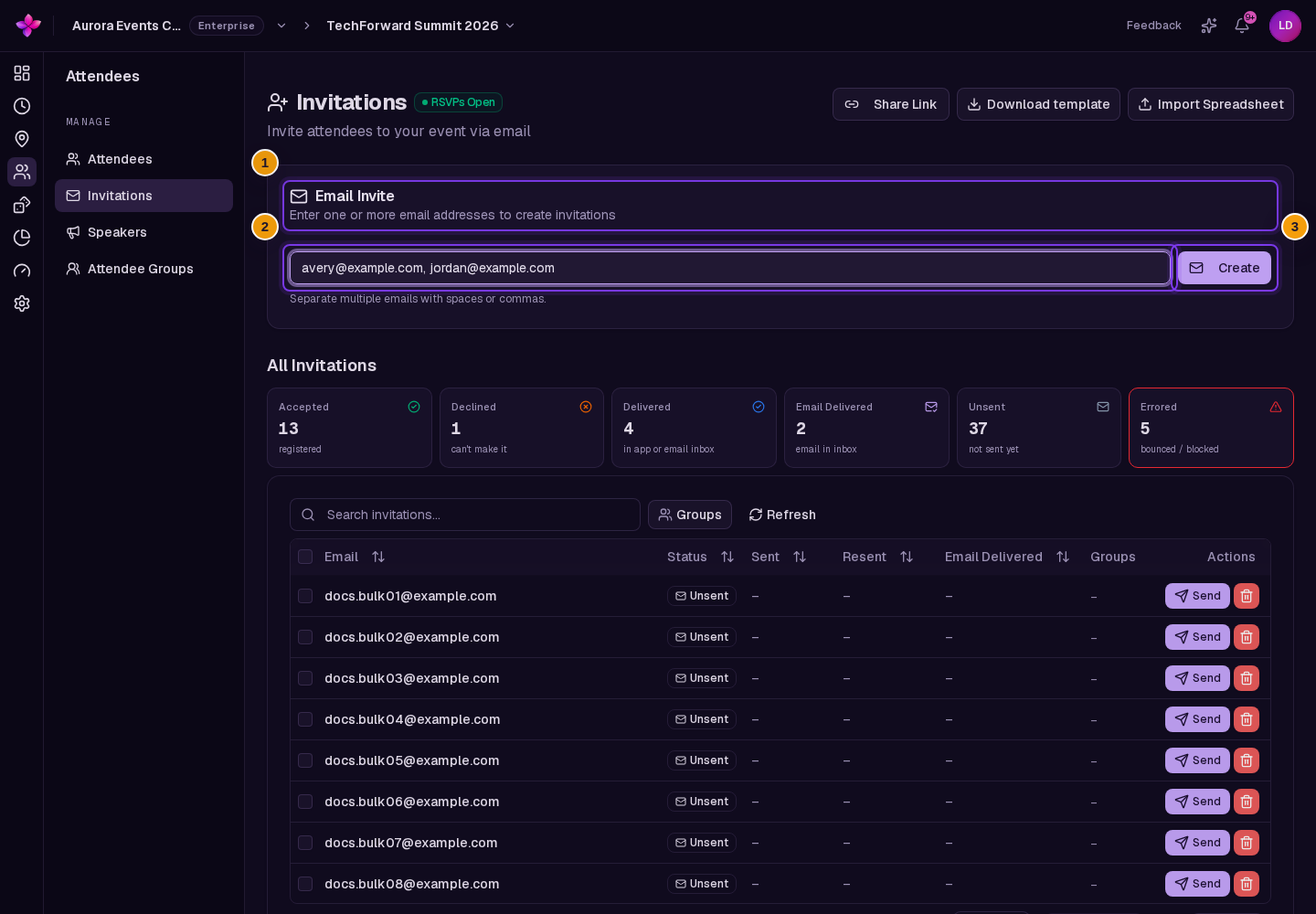
Open the event, choose Attendees, then Invitations. Find Email Invite.
Enter the email addresses
Enter one address, or paste several addresses separated by spaces or commas.
Choose Create
Lylac checks the addresses. If any address is invalid, correct it before submitting the list again. Duplicate entries are removed, and already-invited addresses are skipped.
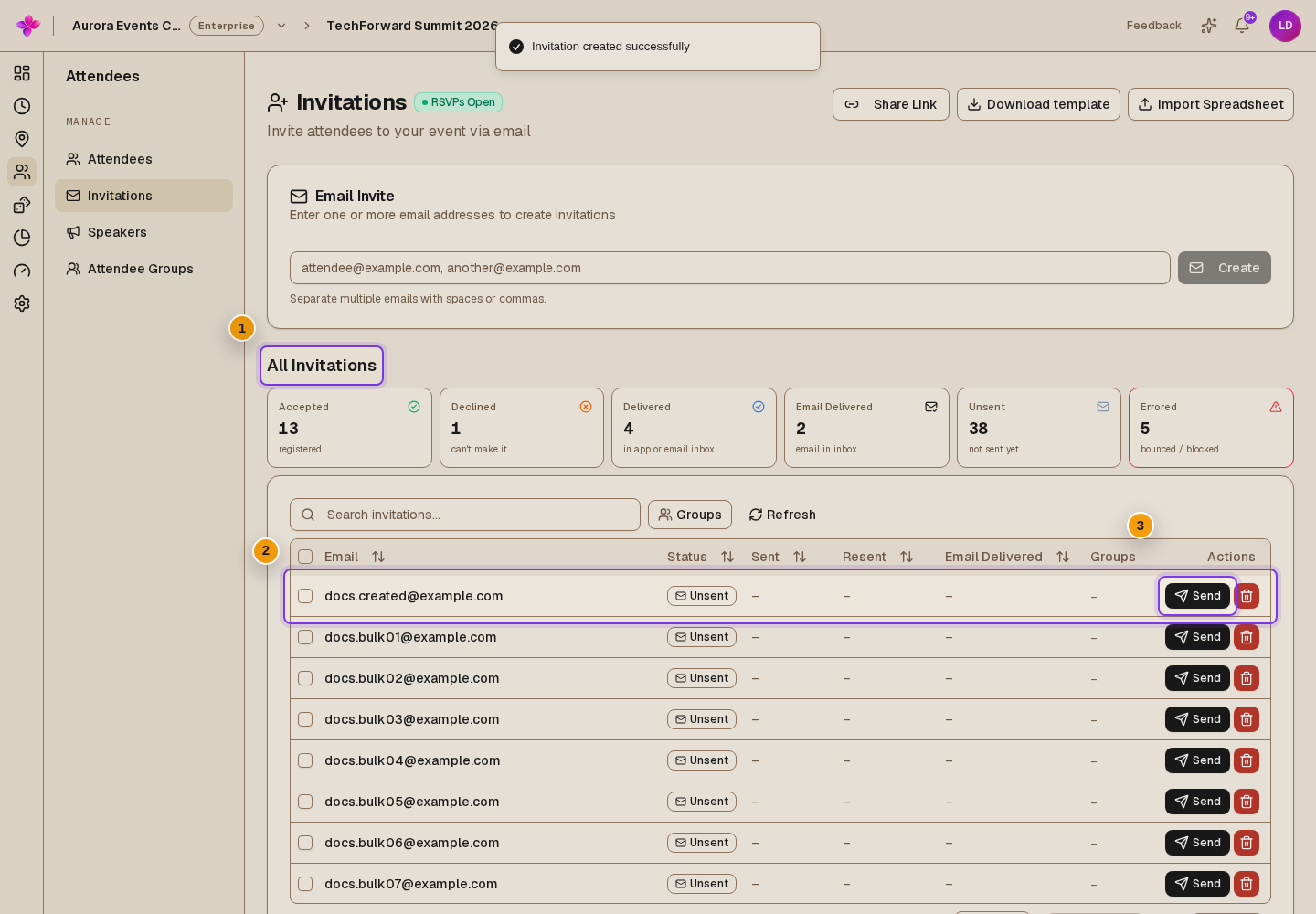
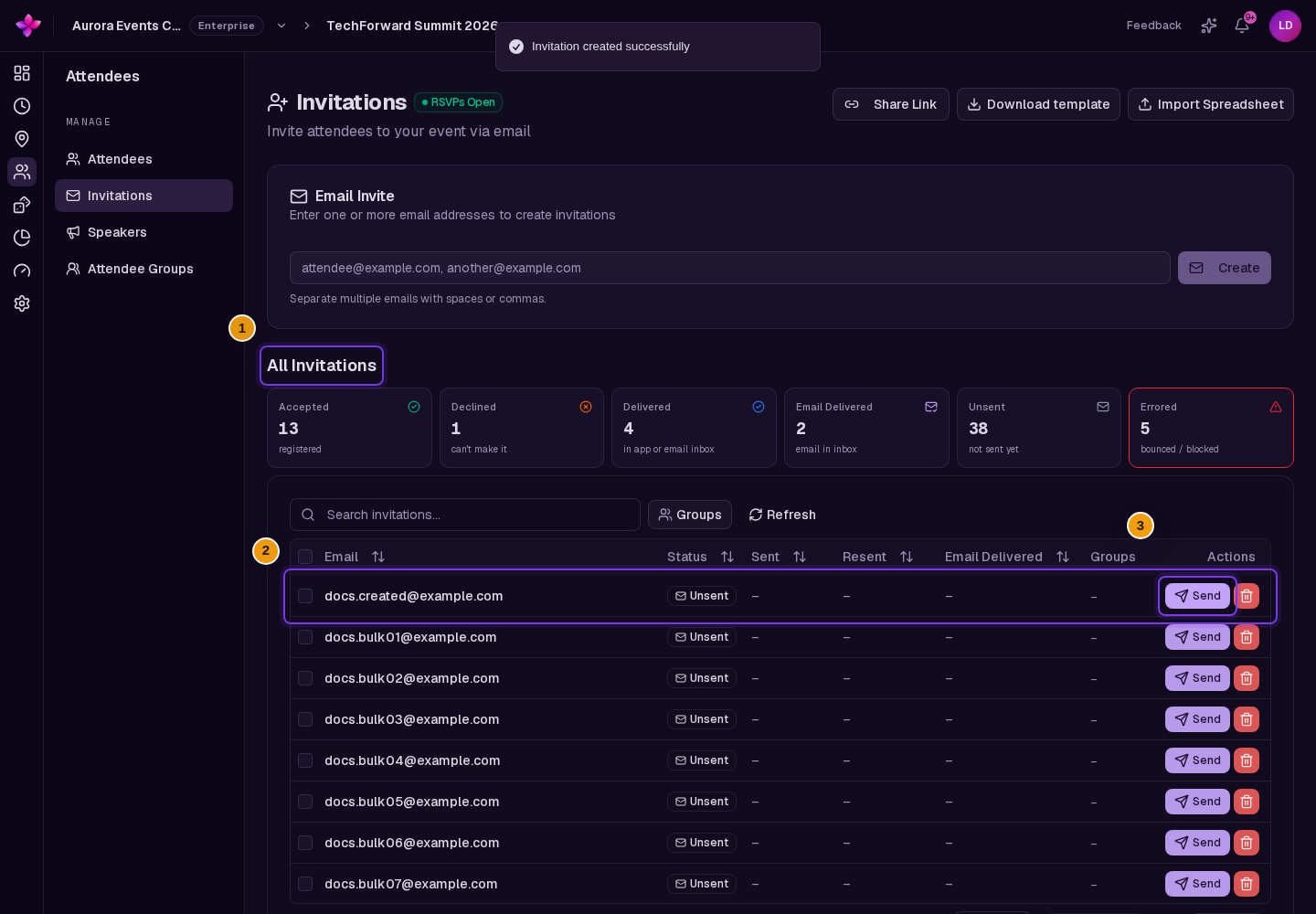
Review the list
Find the new entries under All Invitations. Review them and add groups if needed before sending.
Invitations and attendance
Creating an invitation does not reserve a place. The attendee limit applies when people join. If the event is full when an invitee accepts, they join the waitlist.
If something goes wrong
Create is disabled. Enter at least one address and wait for any current request to finish.
All addresses were skipped. Search All Invitations for the existing entries.
An address is rejected. Check the spelling and the error message. Correct invalid addresses before submitting again.