
Organisation Email Sending Is Paused
Lylac can pause invitation and bulk event emails after an organisation has too many spam complaints or hard bounces. Sign-in and account security emails are unaffected.
Before you start
You need:
- access to Org settings;
- organisation owner access if you want to resume sending;
- time to review the recipient list that caused the pause.
Review and resume sending
Open Org settings
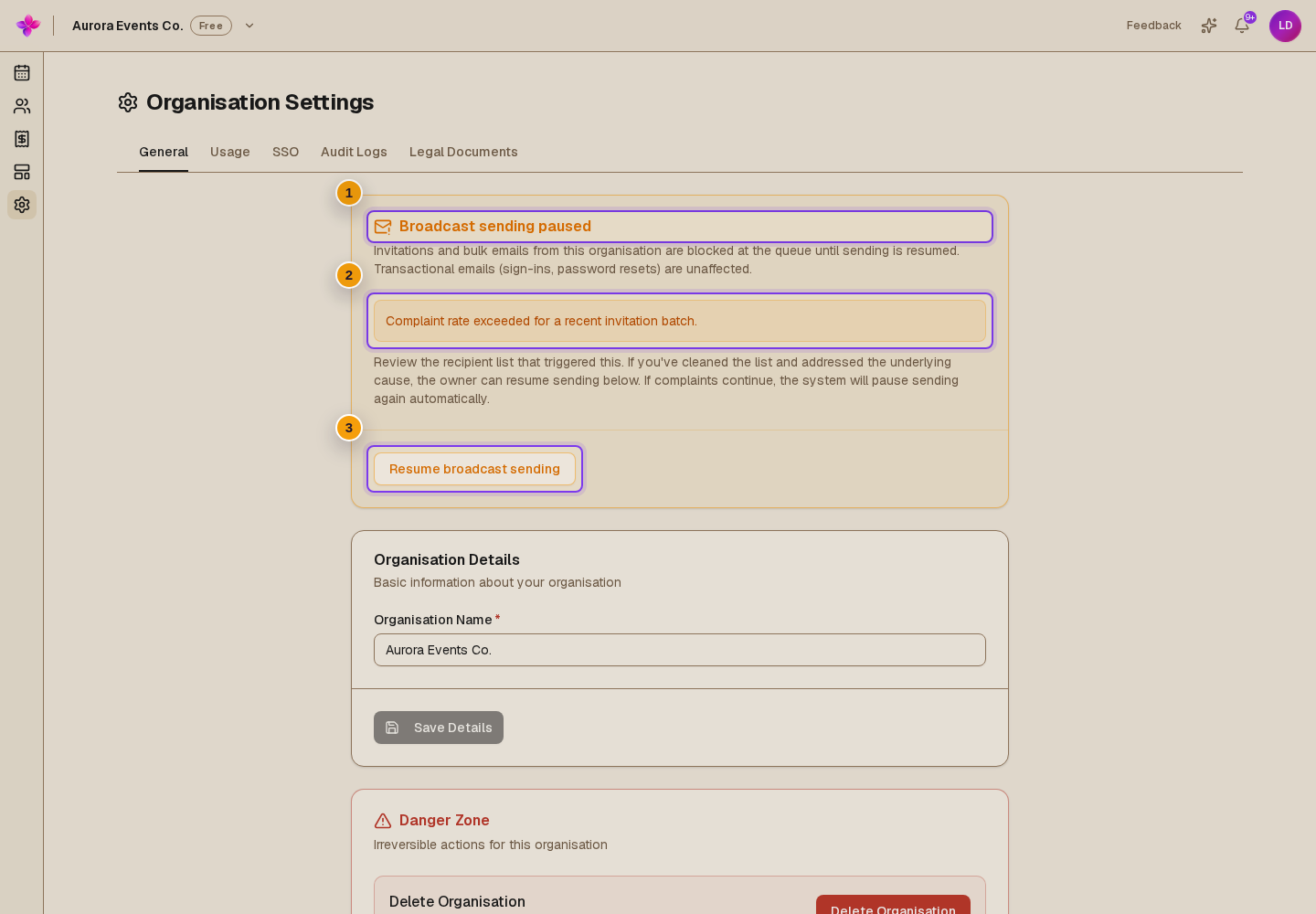
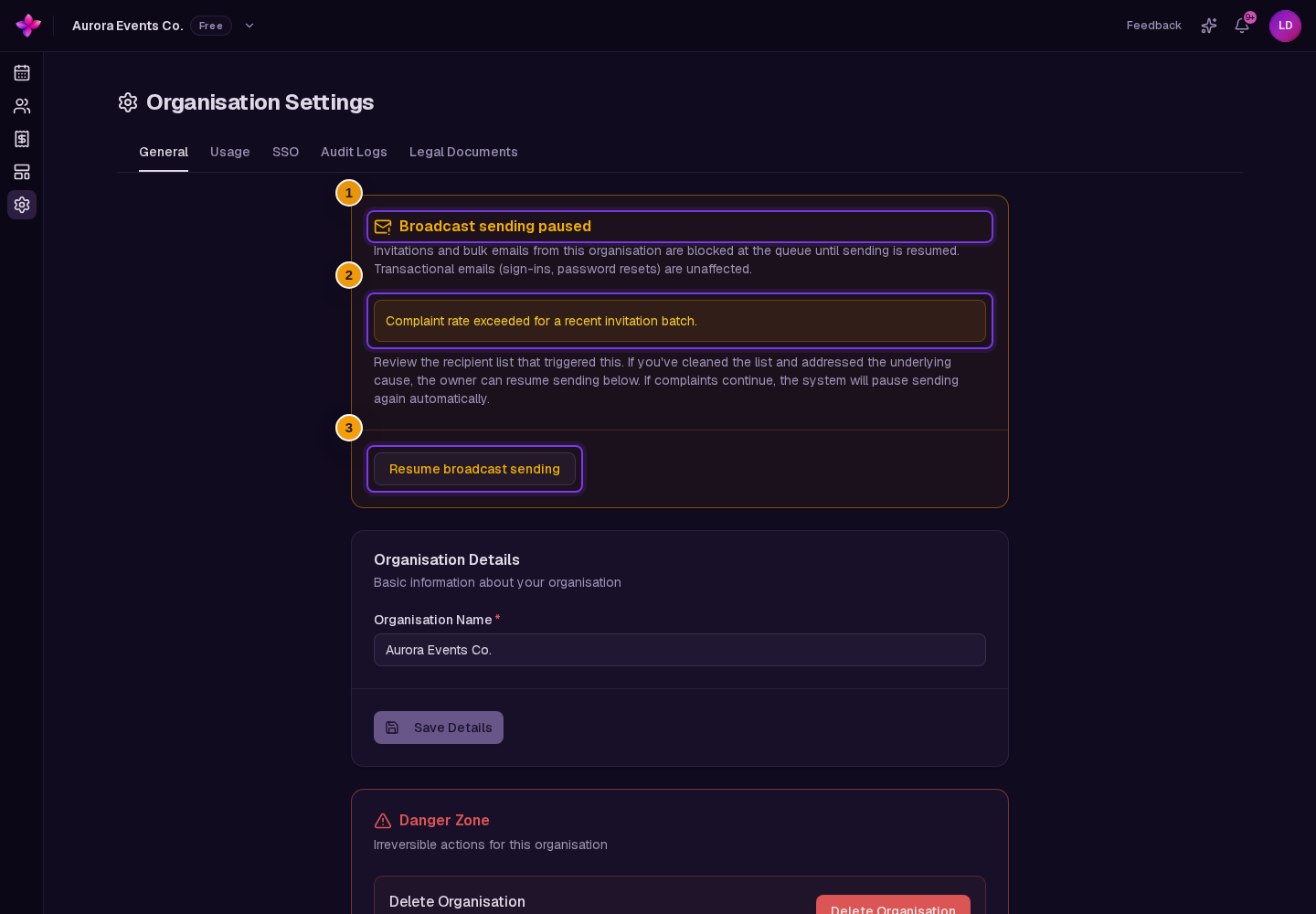
Open the hosting dashboard and choose Org settings. A paused organisation shows the Broadcast sending paused card near the top of Organisation Settings.
Read the recorded reason
The card shows the complaint or hard-bounce result that triggered the pause. Use it to identify the recipient list and send that caused the problem.
Clean the recipient list
Correct or remove bad addresses. Do not send to people who did not expect the email. Review invitations marked Blocked or Unsubscribed before sending again.
Resume when self-service is available
An organisation owner can choose Resume broadcast sending. Lylac confirms with Broadcast sending resumed.
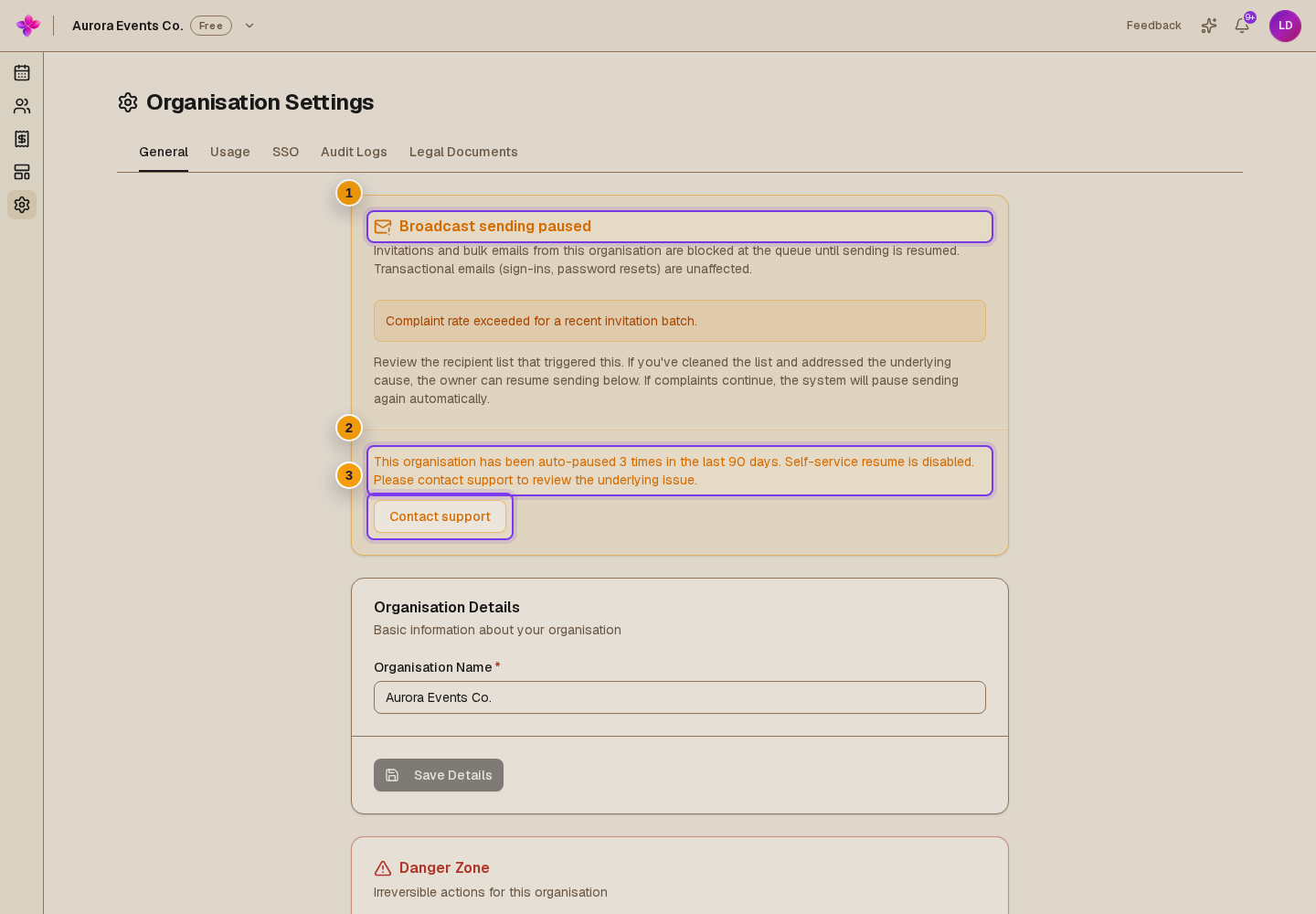
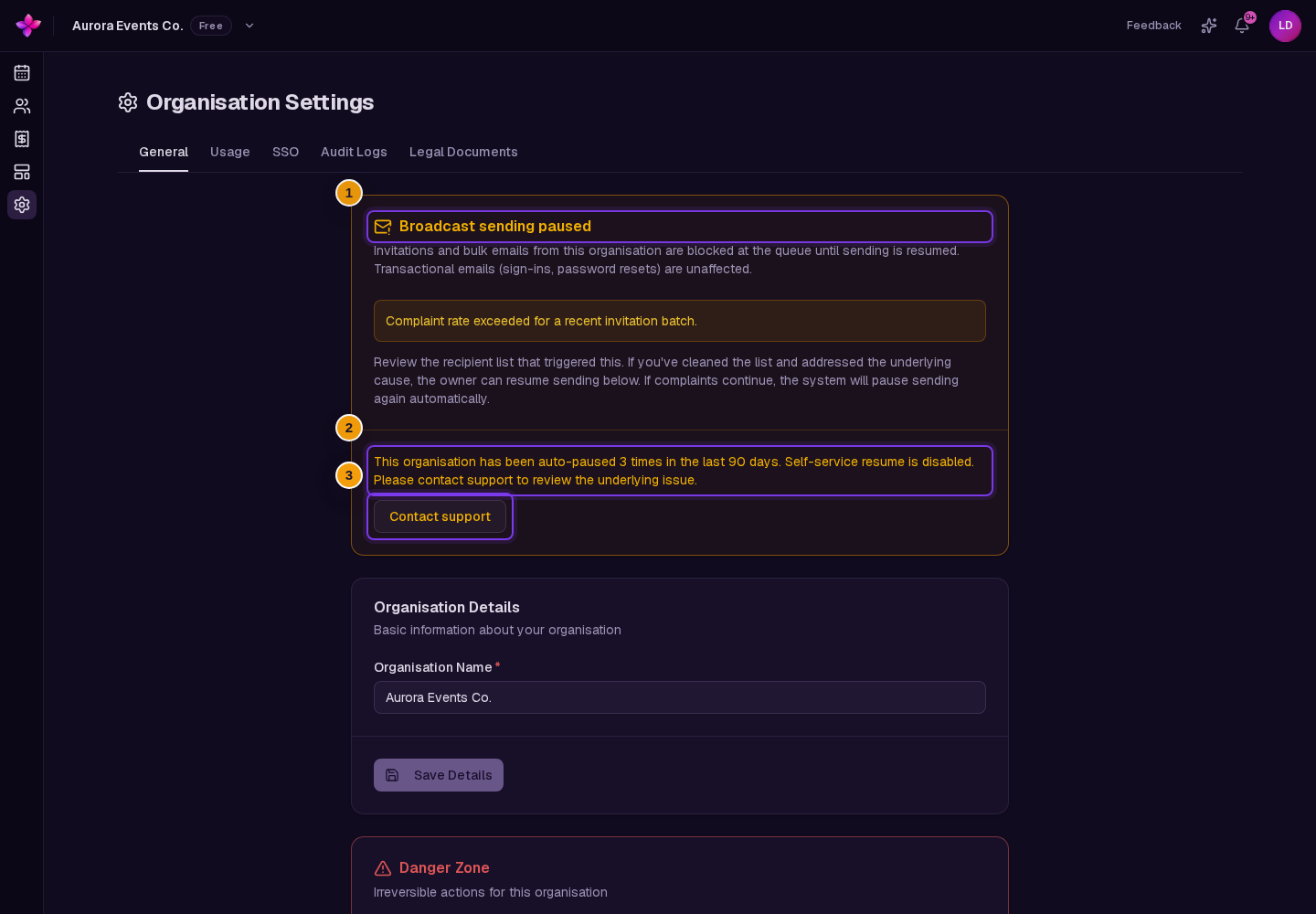
If the organisation has been paused three times in the last 90 days, self-service resume is disabled. Choose Contact support from the card.
Resend invitations that still need to go out
Emails that were still waiting can be stopped by the pause. Return to the event's Invitations page and resend only the invitations that still need delivery.
If sending is still paused
You cannot see Resume broadcast sending. Only the organisation owner can resume sending. Ask the owner to open Org settings.
The card says self-service resume is disabled. The organisation has been paused at least three times within 90 days. Choose Contact support for a sending-quality review.
Resume broadcast sending fails. Refresh Org settings and try once more. If it still fails, contact support and include the reason shown on the card.
Invitations still do not send after resuming. Check each row for Blocked, Unsubscribed or Failed. Also read any daily email cap warning.
The organisation is paused again. Review the newest recipient list. Continued complaints or hard bounces can automatically pause sending again.
For individual recipient states, use Invitation email is blocked, failed or unsubscribed.
Next steps
- Review RSVP and email statuses.
- Follow Send and monitor invitation emails before resending a batch.