
Choose Your First View
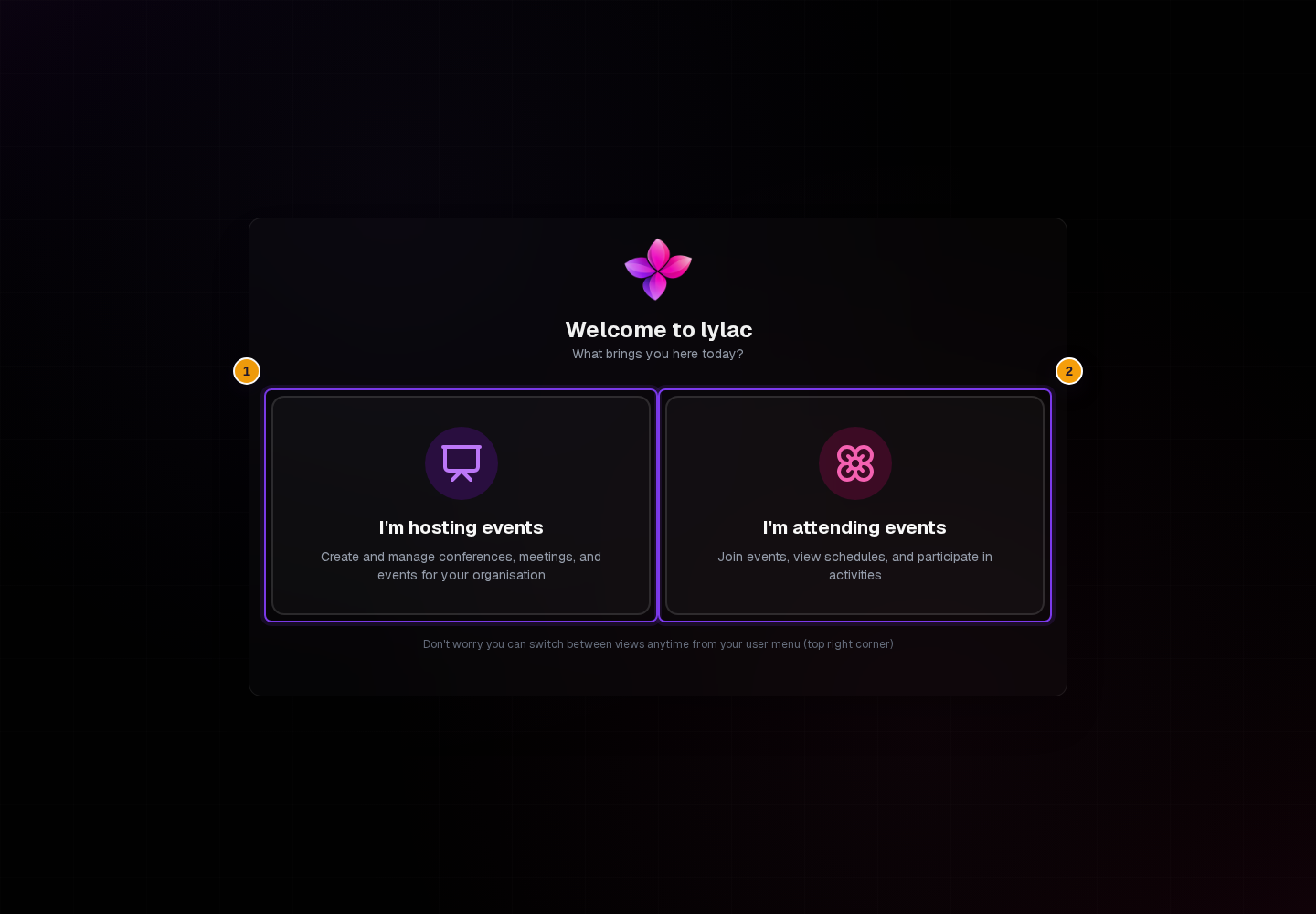
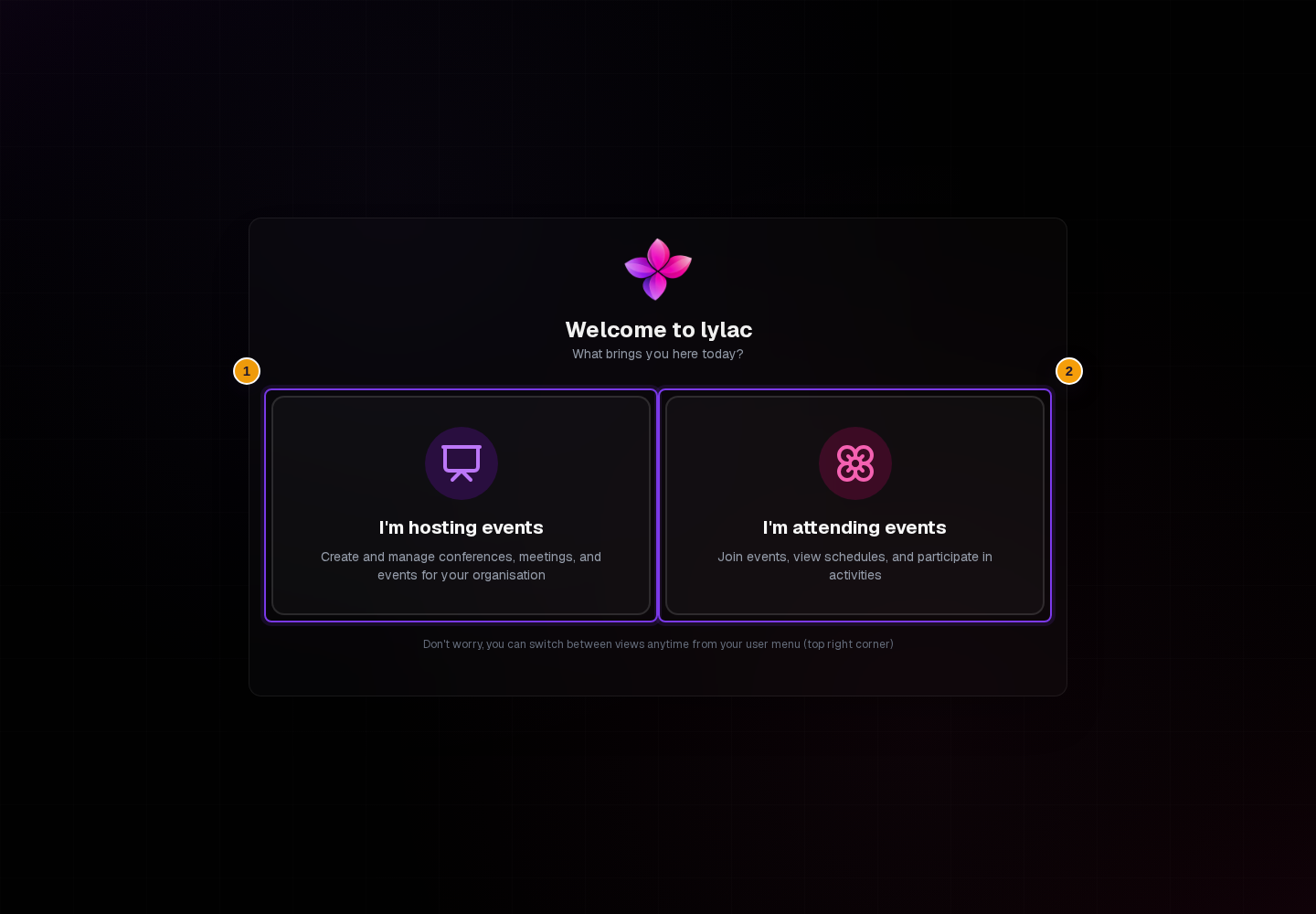
After sign-in, Lylac may ask What brings you here today? Your choice sets your starting view.
Before you start
Choose a view
Choose your starting task
Select I'm hosting events to open the organisation dashboard. Select I'm attending events to open your attendee view.
Wait for your choice to save
Lylac saves the preference and opens the selected area. If you chose hosting and have no organisation, Lylac opens the organisation creation screen.
Switch views when needed
Open the avatar or initials menu in the top right. Choose Attend an event from the host view, or Host an Event from the attendee view.
Choosing the host view does not grant an organisation role. You still need the appropriate access to manage an organisation's events.
If something goes wrong
The choice does not save. If Lylac shows an error, try selecting the card again.
You chose the wrong view. Open the account menu and choose the other view.
If you still need help, choose Contact support.
Next steps
- Create your first event if you are hosting.
- Accept an invitation if you are joining an event.
- Manage your account profile.