
Use the Leaderboard
Use Leaderboard to check the standings for an event. You can compare overall and current-day scores, switch groups when the event has more than one, and search the participant list.
Before you start
You need:
- attendee access to the event;
- leaderboard scores added by the organisers;
- a profile or account name that matches a leaderboard entry if you expect Lylac to identify your position.
Check the standings
Open Leaderboard
Open the event, then choose Leaderboard from the event navigation.
Choose a group when available
If the organisers created more than one leaderboard group, choose the group you want to view. Each group has its own ranks.
Switch the score view
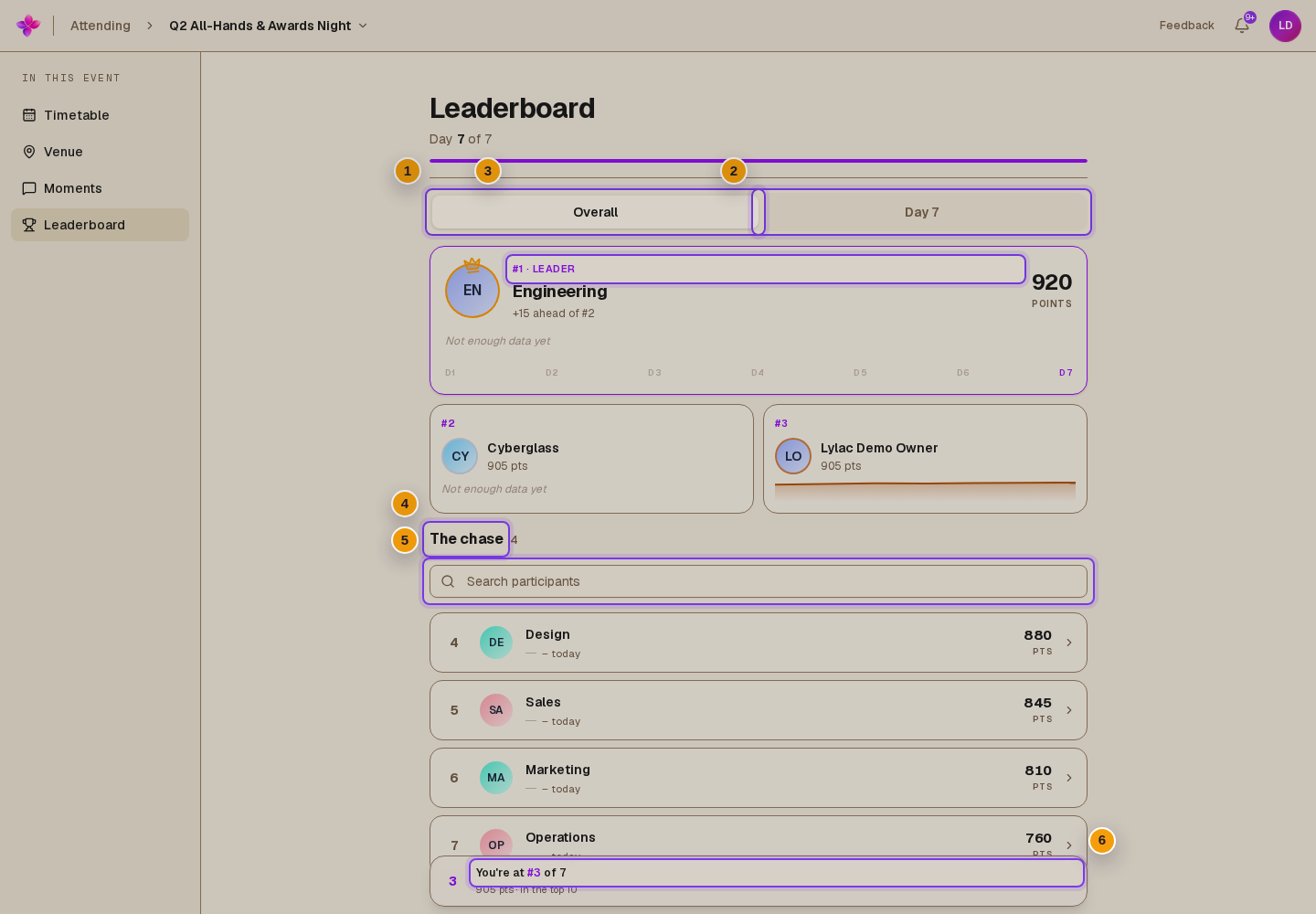
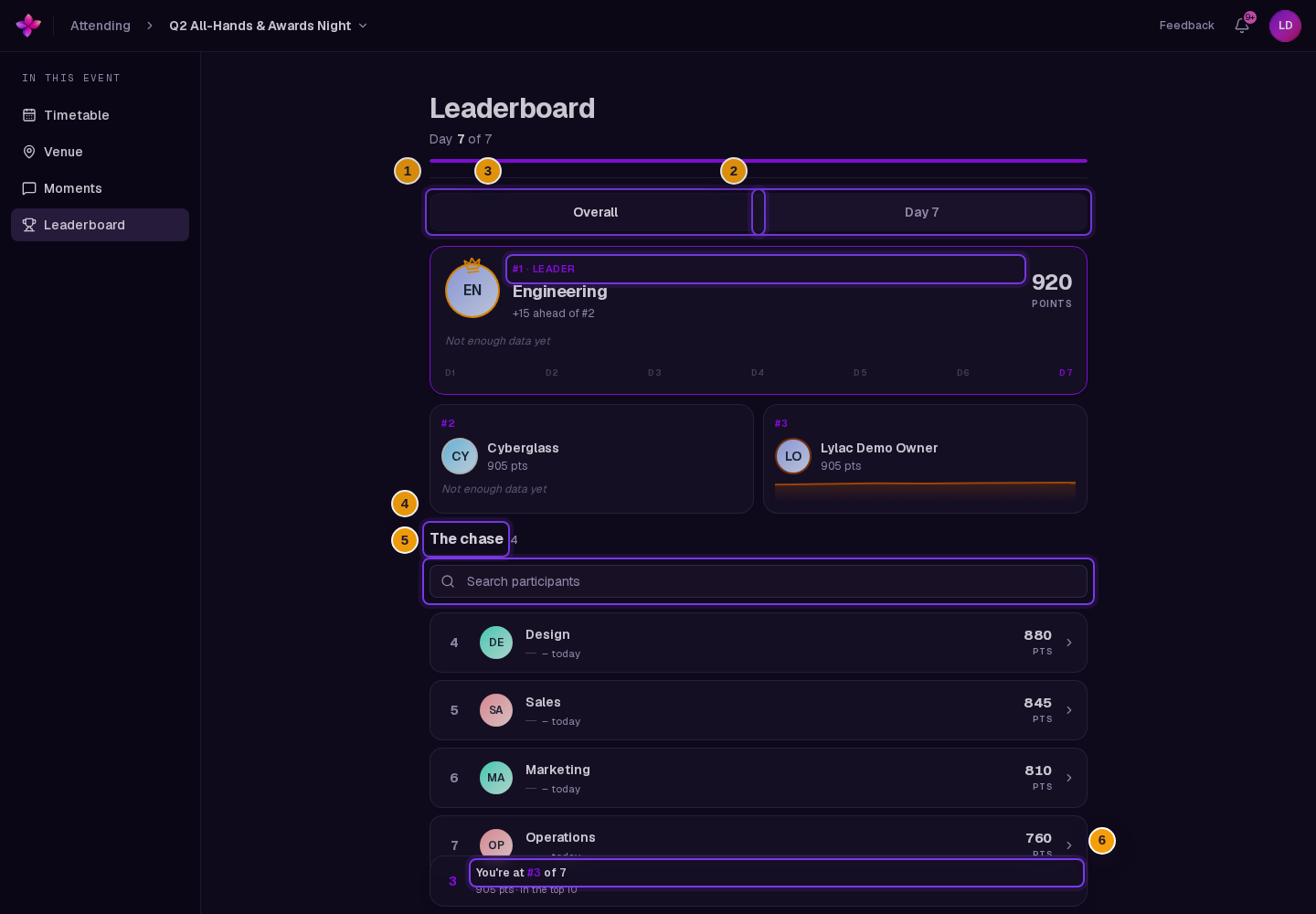
Choose Overall to rank entries by total score. Choose the current Day tab to rank them by that day's score.
Review the leaders
The first three entries appear in the leader cards when you are not searching. Other ranked entries appear under The chase.
Search the list
When The chase appears, use Search participants to filter entries by name. Clear the field to restore the full standings.
Open an entry
Choose an entry under The chase, or in the search results, to show its available day-by-day scores.
Find your position
When Lylac can match your profile or account name to an entry, a position card appears near the bottom of the page. It shows your rank, score, and whether you are in the top ten.
Your entry is also marked You in the participant list. The position card is hidden while you search.
If something goes wrong
No leaderboard data yet appears. The organisers have not added scores. Check again later.
Search finds no matches. Clear Search participants or try a shorter part of the participant name.
Your position card is missing. Lylac could not match your profile or account name to a leaderboard entry. You can still search for the name used by the organisers.
A day score is blank. The organisers have not added a score for that entry on that day.