
Accept an Invitation
Use the invitation email to accept or decline an event without creating a password. Use the email address the invitation was sent to.
Before you start
You need the latest invitation email from the organiser and access to the invited inbox. Older sign-in links may no longer work.
Respond from the invitation email
Open the latest email
Choose Accept Invitation or Decline in the invitation email.
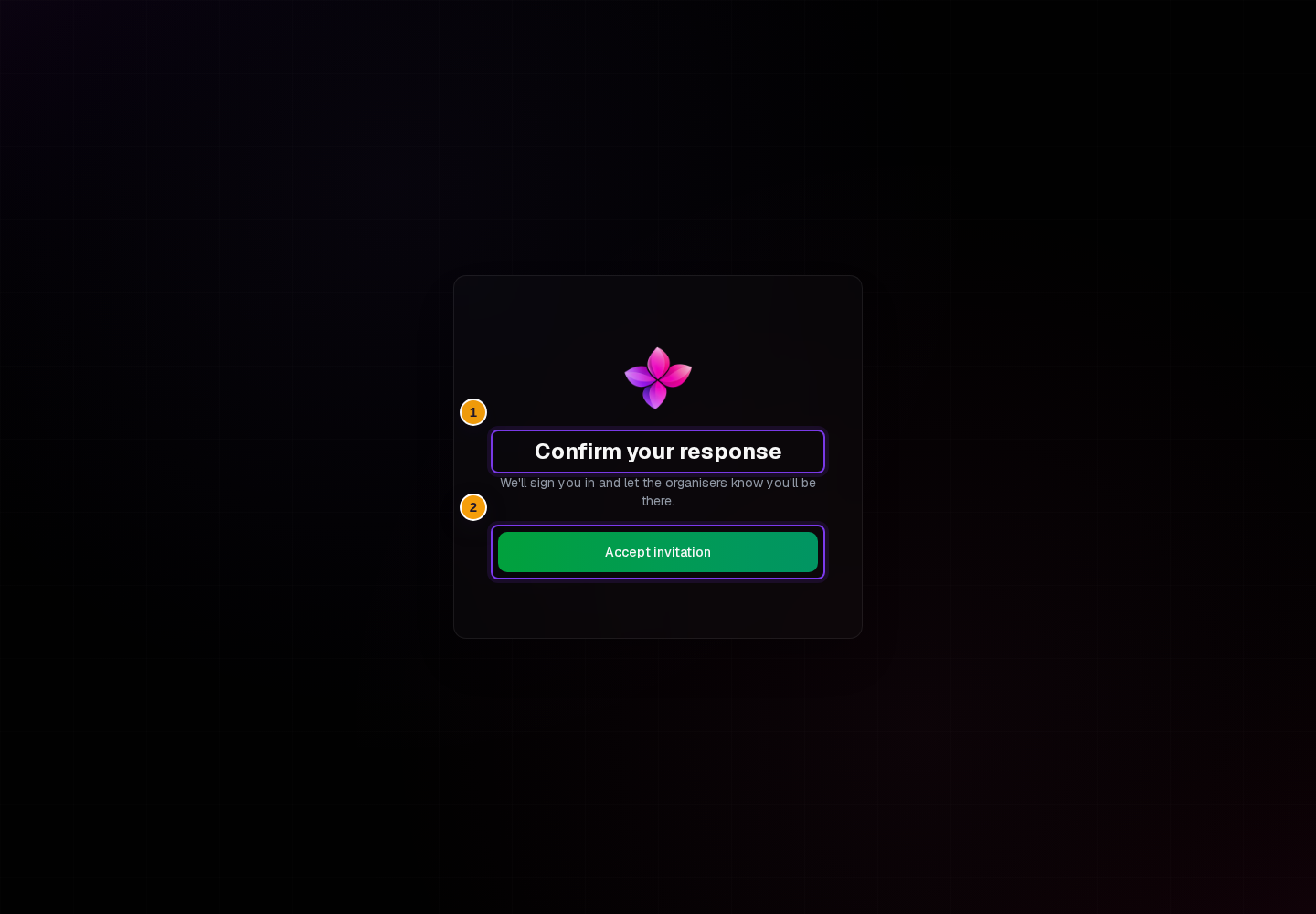
Confirm your response
On Confirm your response, choose Accept invitation or Decline invitation to finish the response. Opening the email link alone does not complete this confirmation.
Check the result
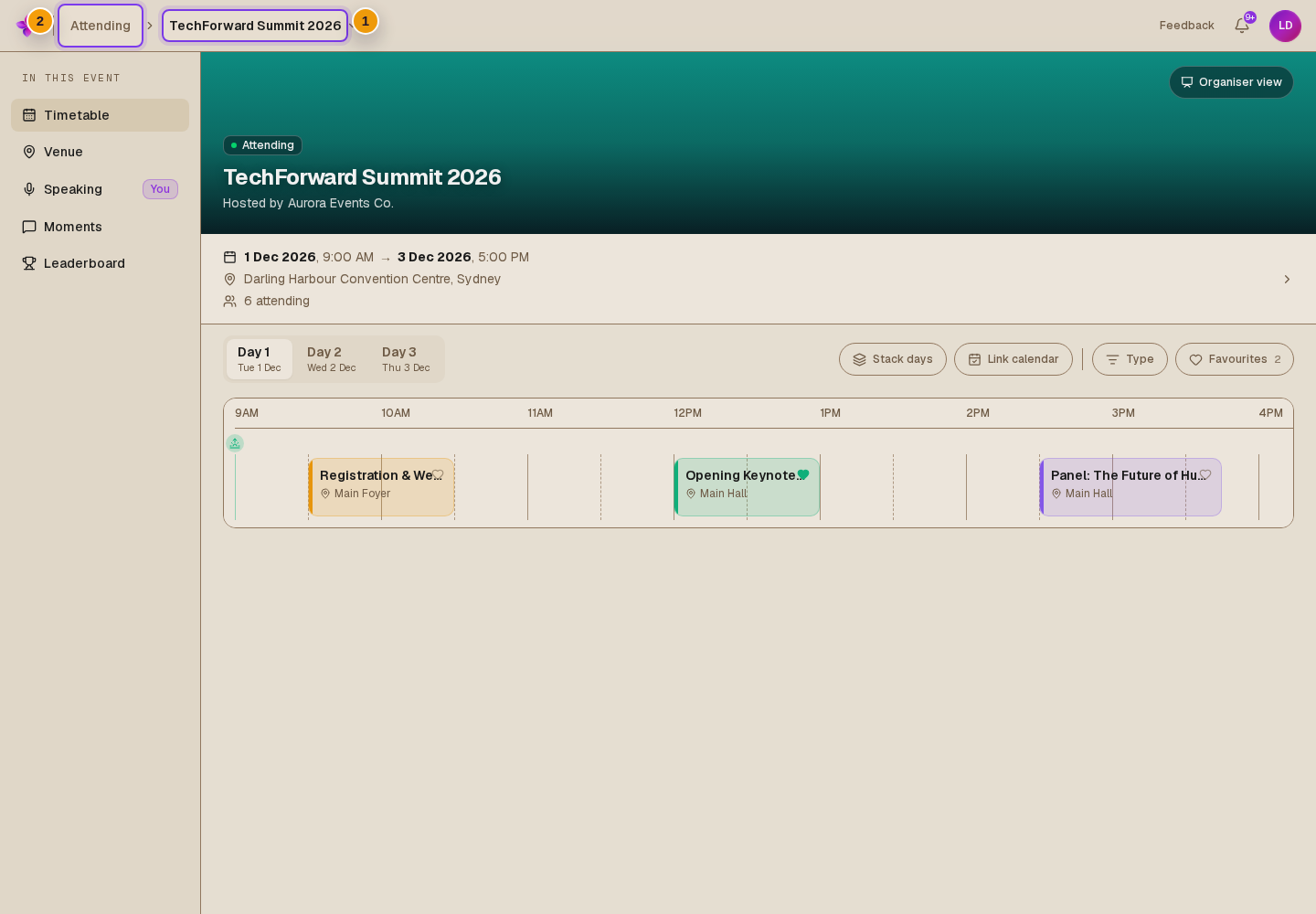
An accepted invitation normally opens the event. If the event is full, accepting joins the waitlist instead of giving you a place. In the attendee view, open Your events and check for Waitlisted. You cannot open the event while waiting.
A declined invitation shows Invitation declined with Go to your events.
If another account is signed in
There are two possible screens:
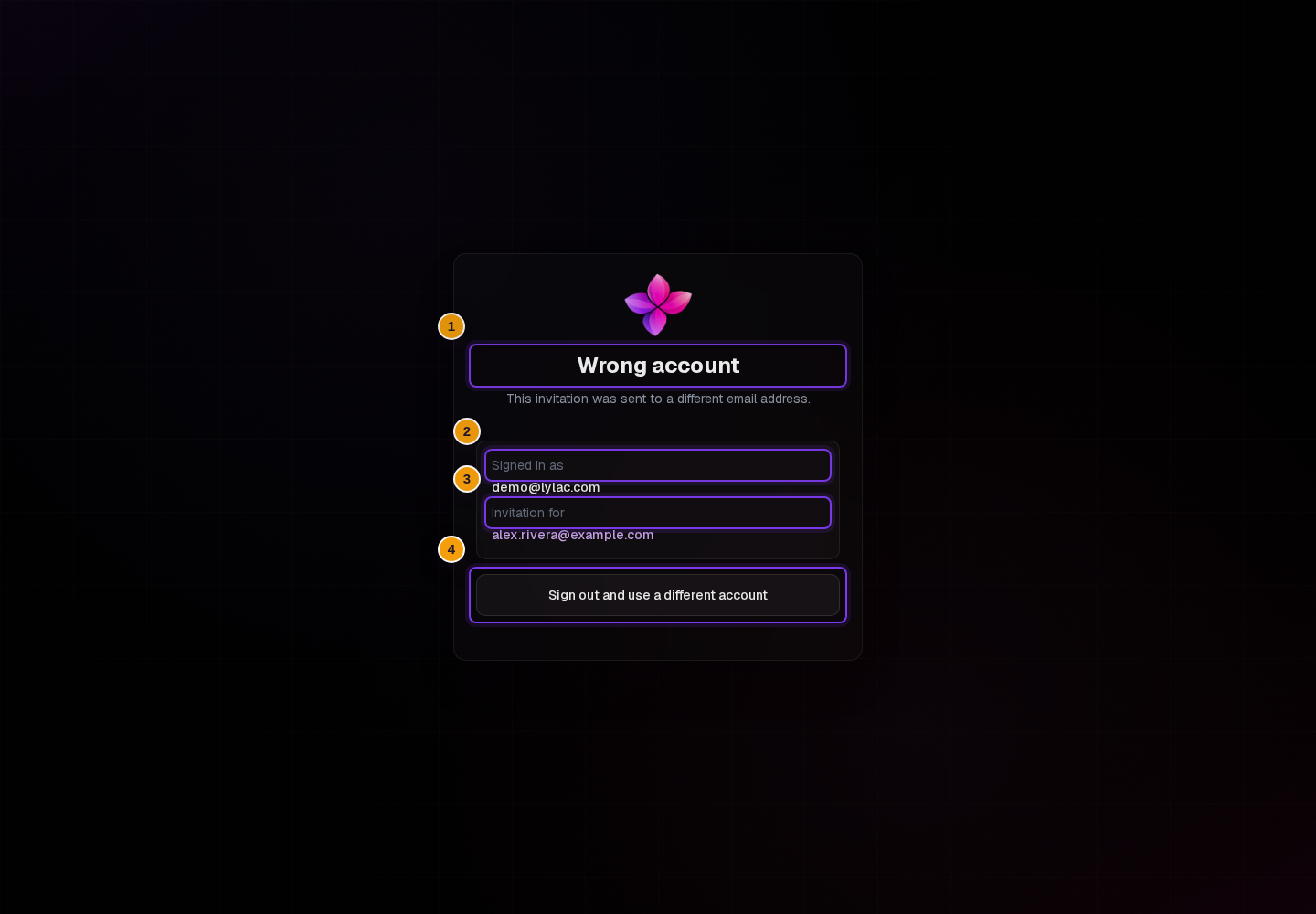
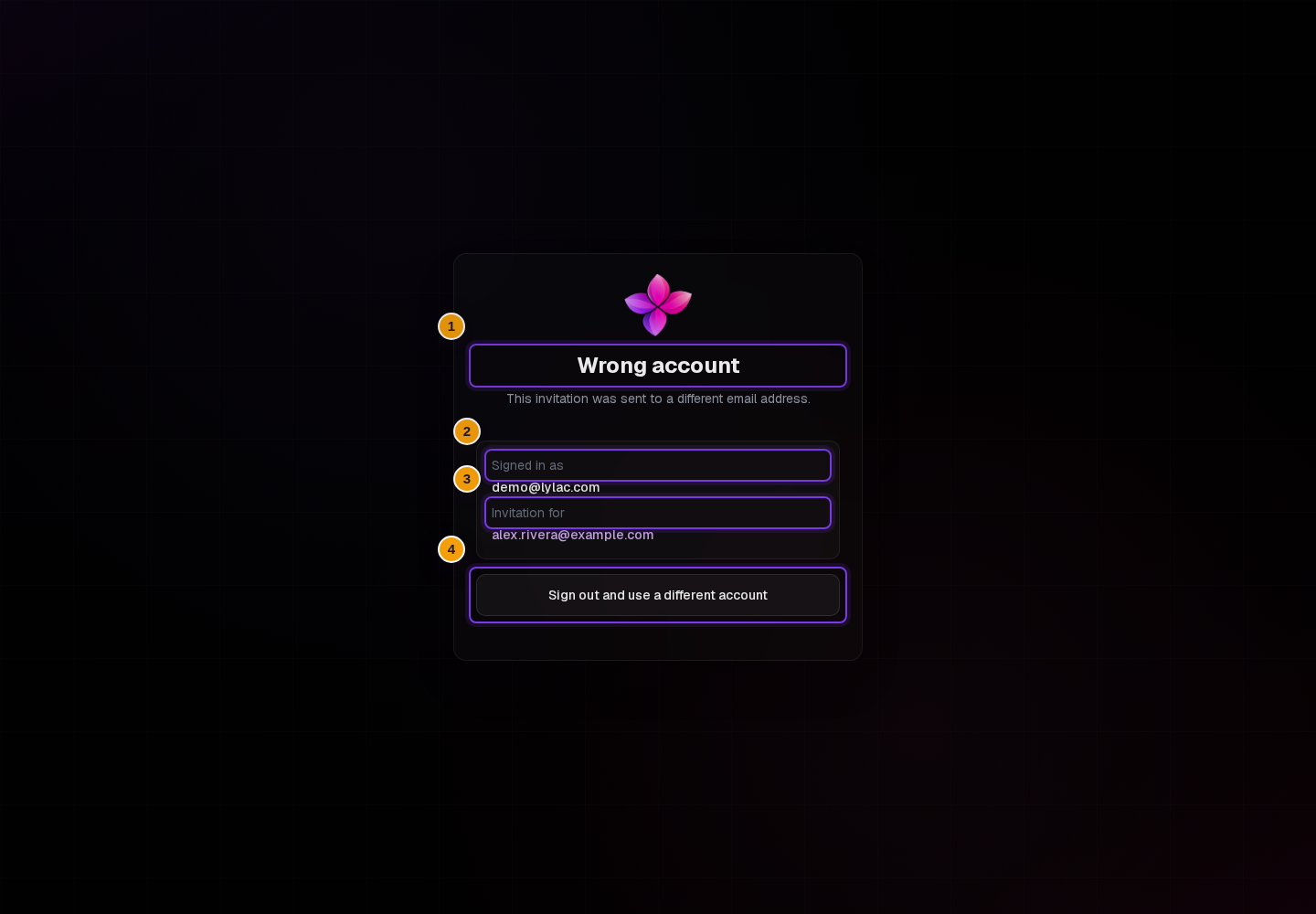
- Wrong account shows Signed in as and Invitation for. Choose Sign out and use a different account, sign in with the invited address, then open the invitation again.
- You've accepted or You've declined may appear after you confirm an email link while another account is signed in. The response has been recorded for the invited address. You can stay signed in with the current account, or request a login link for the invited address. If you switch, choose Email me a new link on the next screen.
If something goes wrong
Your link has expired. Choose Email me a new link, then check the invited inbox. Lylac sends the replacement only after you choose the button.
This link can't be used. Try the most recent invitation email. If necessary, sign in with the invited address and open the invitation again.
Invitation not found. Contact the organiser to check your invitation.
RSVPs are closed. Contact the organiser if you still need to attend.